
Website maintenance support Dubai is more than updates
Most website maintenance questions arrive between scheduled update windows. A business does not usually wake up wondering whether WordPress core was updated last Tuesday. It wants to know why a contact form is quiet, whether a plugin warning matters, or whether somebody can change a CTA before a campaign goes live.
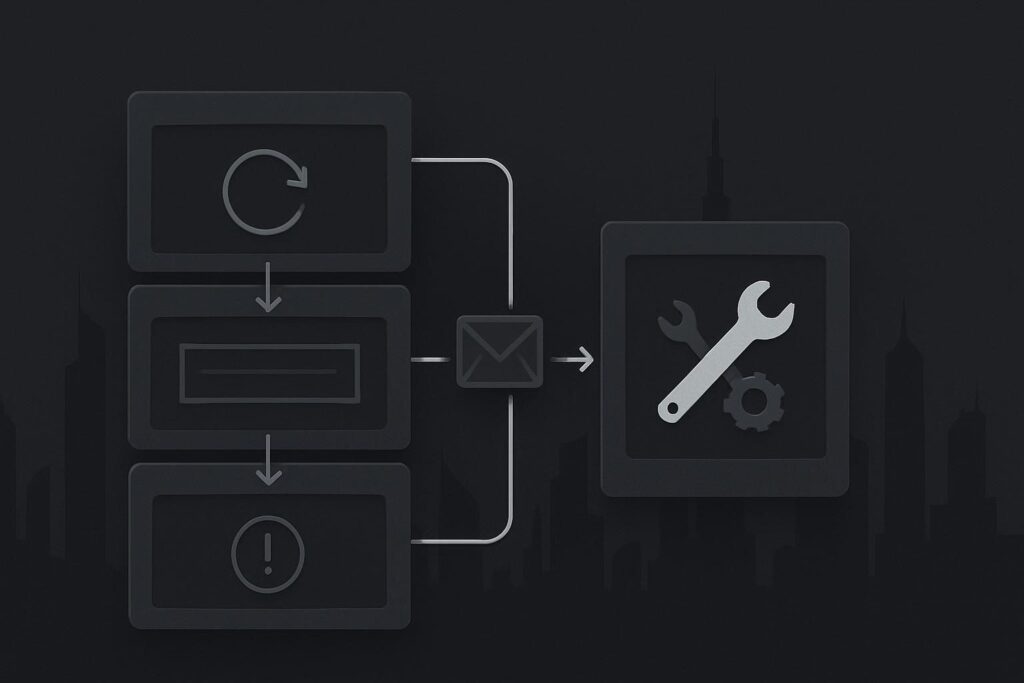
That is the gap in plenty of monthly maintenance arrangements. The routine work may be happening, but there is no obvious route for the ordinary jobs that interrupt the business during the month.
Maintenance needs a support layer
Website maintenance support in Dubai should combine planned checks with a defined way to handle small changes, functional checks, technical warnings and faults that need deeper investigation. Monthly updates, backups and monitoring matter, but they are only part of the responsibility. The support layer tells the client what happens when something needs attention on a random Wednesday.
This is particularly relevant for service businesses in Dubai, where an enquiry form, phone link, WhatsApp button or campaign landing page can be doing real work while the owner is busy running the actual business.
Maintenance is a responsibility model, not a calendar reminder. If a provider only touches the site during a scheduled update round, the business is still left holding the bag when a normal issue appears in between.
What belongs in monthly support, and what does not
The boundaries should be clear without becoming a ticket maze. A sensible arrangement separates routine care, ordinary support and work that genuinely needs a repair scope or a development project.
| Situation | Typical responsibility | What should happen |
|---|---|---|
| WordPress, theme or plugin updates | Planned maintenance | Updates are reviewed, applied with appropriate care and followed by relevant checks. |
| Backups and restore readiness | Planned maintenance | Backups are monitored and any concern over recoverability is raised before a live incident. |
| CTA wording, staff details or a small content amendment | Practical support | The request is assessed and handled if it sits within the agreed support allowance. |
| Contact form or WhatsApp link check | Practical support | The journey is tested, including whether the form reaches the intended inbox or CRM route. |
| Plugin warning or unusual behaviour | Review and advice | The warning is checked for relevance, risk and any action needed rather than ignored or blindly updated. |
| Broken layout, failed email delivery or site outage | Repair escalation | The issue is investigated as a website repair requirement in Dubai, with scope agreed if it goes beyond routine support. |
| New booking flow, integration or major page change | Project work | The business receives a separate recommendation because the work changes what the website needs to do. |
The exact split depends on the plan, the website and the number of moving parts involved. A brochure site with one contact form is not maintained in the same way as a WooCommerce store, membership site or lead generation website connected to several third-party systems.
A small request can expose a larger fault
Consider a Dubai service firm preparing for a campaign. It needs a CTA changed on a service page, wants the contact form checked and has noticed a warning after a plugin update. None of those requests necessarily means the site is broken.
The CTA change is normally straightforward. The form check needs more care. Seeing a success message after submitting a form does not prove the enquiry has reached the sales inbox. It may be caught by a spam filter, sent to an old mailbox, rejected by SMTP settings or failing at a CRM connection.
The plugin warning also needs context. It could be a harmless notice, a compatibility concern or evidence that a critical extension needs a safer update route. Someone should review it before a well-meaning person updates half the plugin list during business hours.
Good support turns those three loose ends into a short, accountable sequence: make the approved content change, send and trace a test enquiry, review the warning, then explain whether anything needs escalation.
What to ask before renewing a maintenance plan
A monthly report is useful, but it should not be the only evidence that the website is being looked after. Ask a few practical questions before renewing or comparing providers:
- Can we request small content and CTA changes between update rounds?
- Are key enquiry routes tested, including form delivery and mobile click-to-call or WhatsApp links?
- What happens when a plugin, hosting or security warning appears?
- Who decides whether a problem is included support, a repair job or a larger project?
- Will we receive a clear explanation when work needs approval outside the monthly scope?
These are not awkward questions. They are basic ownership questions. Without answers, the business may be paying for maintenance while still having to find somebody new whenever the site needs a bit of attention.
Keep the route simple for ordinary issues
For most businesses, the practical route should be uncomplicated. Send the issue, state what changed or what was noticed, include the page URL where relevant and explain the business impact. A form problem affecting paid traffic needs a quicker look than a typo on an old news page.
It also helps to keep a short list of key website journeys: main contact form, booking route, quote request, payment route where applicable, priority phone number and WhatsApp link. These are the things worth checking after updates, hosting changes and campaign launches.
Our website maintenance service in Dubai is structured around that practical responsibility: planned upkeep, sensible checks and a clear route when the work is no longer routine maintenance.
FAQ
Does monthly website maintenance include fixes?
It can, but the plan should state what type of fixes are covered. Small corrections, content amendments and basic troubleshooting may sit within support. A fault involving custom code, a failed integration, malware recovery or a major layout rebuild may need separate repair work.
Should website maintenance include contact form testing?
Yes, contact forms are business-critical for many service websites. Testing should go beyond the confirmation message on the page. It should check whether the enquiry arrives at the intended inbox, is not being filtered as spam and reaches any connected CRM or notification route.
What should happen if a plugin warning appears between monthly checks?
The warning should be reviewed rather than ignored or acted on blindly. The relevant questions are what component is affected, whether the site relies on it, whether a safe update or test is needed, and whether the warning indicates a wider repair requirement.