
Website support SLA wording that causes trouble later
A four-hour response sounds reassuring when it is sitting neatly in a support proposal. It is also incomplete. Four hours from when, for what sort of website issue, and leading to which outcome?
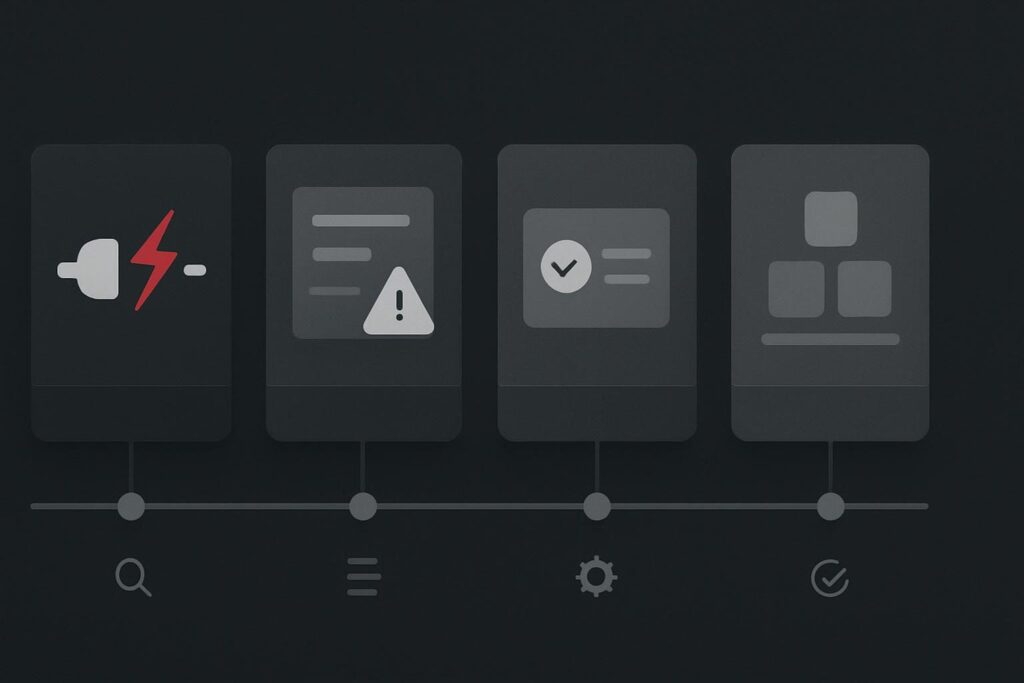
A total outage, a contact form that appears to submit but sends nothing to the old inbox, and a request to add a team member’s bio should not be treated as the same event. Yet plenty of website support SLA wording leaves that distinction doing a lot of unpaid work.
For businesses in Dubai, the UAE, Liverpool and the UK, the useful question is not whether a supplier offers a four-hour SLA. Ask what the response target means for each type of website issue before signing the support agreement. A headline number only becomes meaningful when the severity, the support hours and the stage being measured are all written down.
A response is not the same as a fix
This is where support agreements often get muddled. A provider may respond within four hours by confirming they have received the ticket. That can be perfectly reasonable. It is not the same as diagnosing the fault, restoring the service or completing a permanent repair.
A practical SLA separates the work into stages:
- Acknowledgement: someone confirms the issue is logged and has an owner.
- Investigation: someone starts checking the relevant evidence, such as uptime records, error logs, form delivery records, hosting alerts or recent changes.
- Workaround: a temporary route reduces business impact, such as directing enquiries to a working form, restoring a previous version or bypassing a failed integration.
- Resolution: the underlying issue is repaired, tested and handed back with a clear note of what changed.
These stages matter because a fix can depend on a hosting company, DNS provider, payment gateway, email service or third-party plugin supplier. A support provider can own the investigation and escalation properly without pretending they control every external system.
That is also why a broader WordPress website maintenance plan should explain its support route, rather than relying on one neat response figure in the footer of a proposal.
Set the clock against severity, not convenience
Severity should reflect business impact, not merely how annoying an issue feels in the moment. A homepage spacing problem might be embarrassing, but it is not automatically more urgent than a lead form that has stopped delivering enquiries.
| Severity | Typical website issue | What the support target should cover | Useful expectation |
|---|---|---|---|
| Critical outage | Entire site unavailable, checkout unavailable, widespread security concern | Acknowledgement, immediate investigation and a restoration or workaround route | Highest priority during agreed support hours, with escalation rules stated clearly |
| Business-impacting fault | Broken lead form, booking failure, key service page error, logged-in customer issue | Acknowledgement, diagnosis and a practical workaround where possible | Prompt handling based on the effect on enquiries, sales or customer service |
| Routine request | Content edit, image replacement, small layout correction, user access request | Acknowledgement and a delivery estimate | Handled within the plan’s normal queue, not treated as an incident |
| Planned development | New landing page, integration, redesign work, custom functionality | Scope review, estimate, scheduling and delivery plan | Separate project work, unless explicitly included in the agreement |
The exact timings will vary by plan, site complexity and support coverage. The point is the structure. A total outage should trigger a different route from a routine amendment, even if both arrive by email at 10.15 on a Tuesday.
A realistic example from one support inbox
Imagine three requests land on the same plan. The main site returns an error for every visitor. A lead form shows a success message but the notifications are going to an old mailbox. A marketing manager also wants a staff profile updated before an event next week.
The outage needs immediate triage. First checks may include whether DNS resolves, whether the server is responding, whether a recent PHP version change or plugin update is involved, and whether there is a clean restore point available. The proper first response is an owner, an incident assessment and an update route, not a vague note saying it has been passed to technical.
The form fault is business-impacting even though the site still loads. A success message proves only that the browser completed a front-end action. It does not prove the SMTP service accepted the message, that the recipient address is current, or that the email did not disappear into spam. A workaround might be to route visitors temporarily to a monitored email address or phone number while delivery records are checked.
The staff profile is routine work. It deserves a clear delivery estimate, but it should not jump ahead of failed enquiries simply because it was sent with three follow-up emails. This is not harsh. It is basic queue management.
Business hours need saying out loud
A response target without stated support hours is another common source of grief. Is the clock running 24 hours a day, business hours in the UAE, UK business hours, or only from Monday to Friday? Does a public holiday count? Is emergency cover available, and what actually qualifies as an emergency?
It is worth getting this in plain language. A business serving customers across Dubai and the UK may need to think about time zones, campaign periods and whether weekend enquiries matter. A local consultant with no online booking may reasonably choose a different level of cover.
Also check the exclusions. Content changes, new functionality, third-party licensing costs, hosting-provider remediation and problems caused by unapproved changes may sit outside routine support. That is not necessarily a bad agreement. It is a bad agreement only when the boundary is hidden until something breaks.
Ask for an escalation route, not just a target
Good support is easier to judge when the agreement explains what happens after the first response. Who investigates? How are updates given? When does an issue move to the host or another supplier? What evidence is retained if a fault returns?
A useful maintenance record will normally show completed updates, backups, outstanding risks and notable incidents. If you are comparing proposals, ask to see the sort of WordPress maintenance report evidence the provider supplies after ordinary monthly work and after a more serious fault. You are looking for clarity, not theatrical dashboards.
There is also a difference between ongoing support and a one-off repair. If the website has an isolated fault with a clear boundary, a repair may be the sensible route. If it needs updates, monitoring and a known support process, ongoing cover is likely more appropriate. The distinction is explained in this guide to website maintenance support versus website repair.
What to get written into the agreement
- Define each severity level using examples that match your website.
- State whether each target measures acknowledgement, investigation, workaround or resolution.
- Confirm the support hours, time zone and out-of-hours process.
- Identify requests that count as routine changes or separate development work.
- Set an update cadence for active incidents and a route for third-party escalation.
- Agree how completed work, backups and unresolved risks will be recorded.
Do this before the first urgent problem, when everyone is still reading the agreement rather than arguing about its interpretation.
Ask what the response target means for each type of website issue before signing the support agreement. If you want to sense-check a WordPress support arrangement, ask about WordPress support on WhatsApp.