
WordPress migration email DNS checklist for a quiet inbox
The new WordPress site has launched, the pages load, and somebody sends a test enquiry. The form shows a polite success message. Nothing arrives in the inbox.
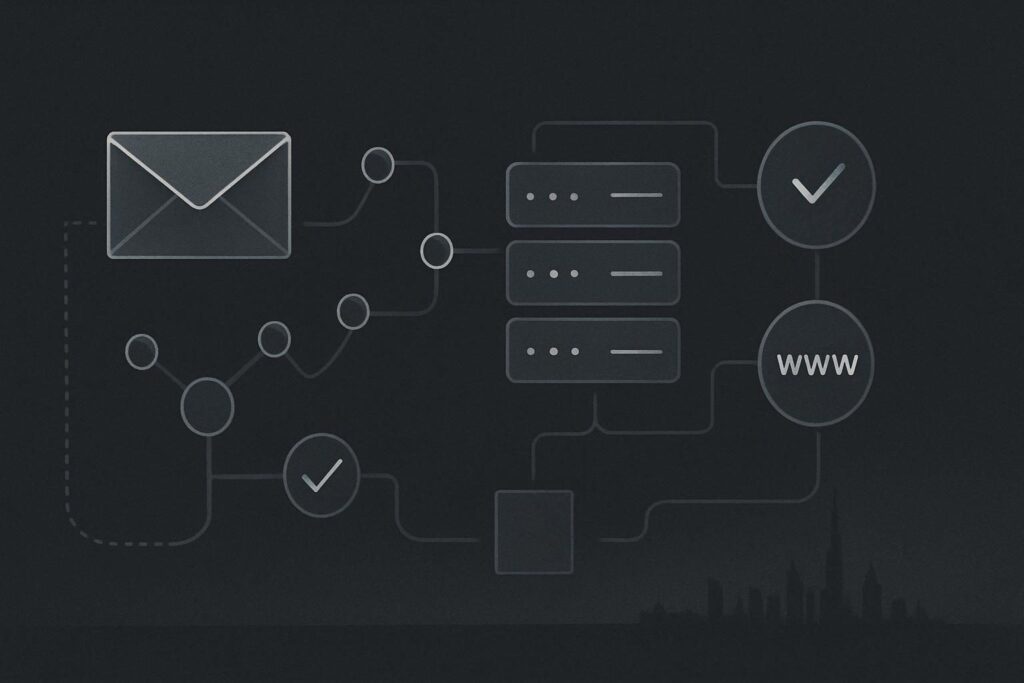
This catches businesses because a website move is often treated as a hosting job. Mailboxes, DNS records and outbound form delivery may sit with entirely different providers. Changing one DNS zone without understanding the rest can leave a Dubai business with a working website and a quietly broken route into its existing mailbox.
For broader faults that can appear around a move, including the less glamorous technical loose ends, website repair support for Dubai businesses provides useful context. Email needs its own cutover plan, though. A form success message only confirms that WordPress accepted the submission. It does not prove that the message reached the recipient.
What a WordPress migration email DNS checklist should cover
A WordPress website migration without email disruption starts by separating website hosting from email hosting. Record the current DNS zone, confirm where mailboxes live, preserve MX, SPF, DKIM and DMARC records, then test SMTP and every important form before and after DNS changes. Keep the old route available until you can prove inbound mail, outbound form delivery and mailbox access are still behaving as intended.
The tempting assumption is that moving a site to a new VPS moves everything connected to the domain. It does not. A domain may use one company for DNS, another for Microsoft 365 or Google Workspace mailboxes, and a third service for transactional email from WordPress.
Before cutover: make a DNS and mailbox inventory
Do this before anyone changes nameservers, copies a zone file or points an A record at the new server. Save a readable record of what exists now, including who can access each platform. Screenshots are useful, but exported zone records and written values are better when a record needs rebuilding under pressure.
- Identify the DNS authority. Confirm whether DNS is managed at the registrar, web host, Cloudflare or another provider. The person with WordPress access may not have permission to edit the live zone.
- List every mail-related record. Capture MX records, SPF TXT records, DKIM selector records, DMARC records and any mail provider verification records. Preserve priority values on MX records, not only the hostnames.
- Confirm where mailboxes are hosted. Check whether staff use Microsoft 365, Google Workspace, cPanel mailboxes or another provider. Ask which addresses receive website enquiries, including old shared inboxes that someone still monitors.
- Record WordPress sending settings. Note the SMTP plugin, sending provider, authenticated account, From address, Reply-To behaviour and API or SMTP connection method. Do not assume a copied database contains usable credentials on the new environment.
- List form destinations. Review every live form, including contact, quote, booking, brochure and footer forms. A site can have three variations of the same form and one may still point to an old address.
- Set a rollback owner. Decide who can restore the previous DNS values and who has authority to make that call. A rollback plan written after mail fails is mostly a diary entry.
If you are already dealing with messages that appear to send but never arrive, use this WordPress email delivery checklist alongside the migration checks. It helps separate a DNS issue from a sending configuration, spam filtering or recipient-side problem.
Check the records that are easiest to damage
MX records route inbound mail
MX records tell other mail systems where to deliver messages for the domain. If a new DNS zone contains only website A and CNAME records, inbound email may stop or go to the wrong service. Copy the MX hosts and their priorities exactly from the current working zone, then verify them with the mailbox provider’s documented settings.
SPF, DKIM and DMARC protect outbound identity
SPF states which services may send mail for the domain. DKIM uses a DNS record to support message signing. DMARC tells receiving systems how to treat mail that fails alignment checks. These records do not guarantee inbox placement, but losing them during a migration can make legitimate form notifications and staff mail more likely to be rejected, quarantined or treated with suspicion.
Be careful with SPF in particular. It should normally be one TXT record for the domain, not several competing records pasted in from different providers. If WordPress sends through a transactional provider, that sender may need including alongside Microsoft 365 or Google Workspace. This is a configuration decision, not a guessing contest.
Run form tests before DNS changes
Use a controlled test rather than a vague message from somebody’s personal address. Submit each important form with a unique reference in the name or message field, such as Migration test 01. Check the recipient inbox, spam or junk folder, sender address, reply behaviour and whether the message contains all submitted fields.
Then reply to the notification. If the reply goes to the website’s generic From address instead of the test sender, the form may technically deliver while still being awkward for staff to use.
For a Dubai company moving its site to a new VPS, the practical test is simple: submit the contact form before the move, confirm delivery to the existing mailbox, make the infrastructure change, then repeat the same test. If the post-cutover message disappears, compare the WordPress SMTP settings, server firewall restrictions, DNS records and spam filtering logs before changing five plugins in a panic.
Cutover sequence: change less, prove more
- Reduce DNS TTL values in advance where appropriate and where you control the zone.
- Deploy the WordPress site and SMTP configuration on the new host without changing public DNS.
- Test forms through the new environment using a temporary host entry or staging method that does not disturb live mail.
- Confirm the live DNS zone contains all existing mail records before switching website records or nameservers.
- Make the planned DNS change, then check the published records from outside your own network.
- Test inbound mailbox delivery, staff outbound email and WordPress form delivery again.
- Monitor the enquiry inbox and spam folder during the early cutover period, with a named person responsible for checking them.
A website migration can also expose unrelated server configuration gaps. If pages begin returning missing-page errors after the move, deal with that separately using this guide to checking WordPress 404 errors after a migration. Do not overwrite mail records while chasing a rewrite-rule problem.
Rollback triggers should be agreed before launch
Rollback does not always mean reverting the entire website. It may mean restoring the previous DNS zone, switching the website A record back, or temporarily routing forms through the previous confirmed SMTP setup. The right action depends on what has actually failed.
Set clear triggers before cutover. Examples include new emails not reaching a monitored mailbox, WordPress form tests failing from more than one external address, authenticated SMTP connections failing on the new server, or mail provider records being absent from the published DNS zone. A single delayed email can happen for several reasons. Repeated controlled failures are evidence worth acting on.
Final migration decision checklist
- Can you name the DNS provider, website host and mailbox host?
- Have MX, SPF, DKIM and DMARC records been copied and checked?
- Is there one valid SPF record that accounts for approved sending services?
- Have all key WordPress forms been tested for delivery and reply behaviour?
- Has SMTP been tested from the new hosting environment?
- Does someone have access to the receiving inbox and spam folder during cutover?
- Is there a documented rollback action and an authorised person to use it?
This process cannot tell you in advance how every external receiving mail server will handle a message. It can, however, remove the common self-inflicted failures: missing MX records, broken authentication, an untested SMTP connection and a contact form that only looks successful on screen.
If a migration has already left messages missing, or the DNS setup is unclear, Ask Standish Services to trace the problem and scope a practical fix.