
WordPress redesign redirect mapping without loose ends
A useful Google result sends somebody to a long-standing service page. It is launch week, the redesigned WordPress site looks smart, and the visitor lands on a 404 page instead. The new site may be better in every visible way, but that particular enquiry route has quietly vanished.
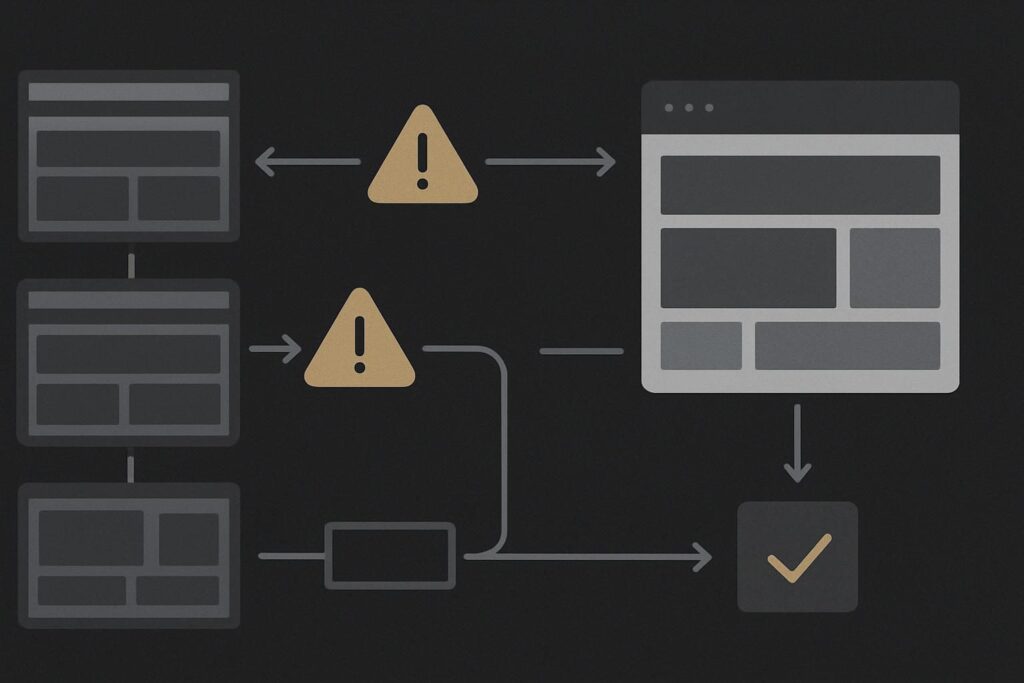
This is a common redesign problem for service businesses in Dubai, the UAE and the UK. A team concentrates on new page layouts, revised messaging and fresh photography, then assumes old URLs will somehow sort themselves out. They will not. A changed slug is still a changed address, whether it appeared in search results, an old brochure, a WhatsApp message or an agency partner’s link.
Before approving wider website design work for a Dubai business, decide what happens to the routes people already know. Redirect mapping is part of the launch plan, not an SEO tidy-up for whenever somebody has time.
Start with the URLs that already carry weight
You do not need to preserve every old page forever. You do need to identify the pages with a job to do.
Pull URLs from the current XML sitemap, analytics, Search Console, server logs where available, campaign landing pages, important backlinks and any printed or emailed material still in circulation. Also check the WordPress page and post list. It is not unusual to find an old service page excluded from the sitemap but still linked from a footer, a PDF or an article written three years ago.
Give special attention to:
- core service pages and location pages
- articles that attract search visits or external links
- contact, booking, quote and campaign landing pages
- pages used in brochures, QR codes, email signatures or paid adverts
- older URLs with a strong commercial intent, even if the page itself is due for replacement
A Dubai property consultant, for example, might replace /property-management-dubai/ with a new page called /management-services/. That can be fine if the new page genuinely covers the same offer. Sending the old URL to the homepage because it is convenient is less helpful. A visitor looking for a specific service has been made to start again.
Choose one of three outcomes for each old route
Keep it when the existing URL remains useful, accurately describes the content and has no real reason to change. A redesign does not automatically require a URL rewrite. Keeping a stable service path can remove an unnecessary moving part.
301 redirect it when there is a clear, relevant replacement. A permanent redirect tells browsers and search systems that the old route has moved. The destination should meet the intent behind the old page, rather than merely being the nearest page someone could find.
Retire it when there is no suitable replacement and the page has no continuing purpose. In that case, a proper 404 or 410 response may be more honest than a forced redirect to an unrelated page. Retiring a URL is a decision, though, not a missing line in a spreadsheet.
A WordPress redesign redirect mapping process should record the old URL, its proposed outcome, destination where relevant, reason for the decision and the person who approved it. That last bit matters when two departments have different views of what a service page was actually for.
Do not confuse redirects with canonical fixes
Redirects handle a visitor or crawler arriving at an old address and needing a new destination. Canonical tags deal with substantially similar pages that remain accessible at more than one address. They are related technical concerns, but they are not interchangeable.
If a page is genuinely gone after a redesign, adding a canonical tag somewhere else does not create a working route for somebody following an old link. For problems involving conflicting canonical signals on live WordPress pages, see this guide to working out why WordPress has the wrong canonical URL. Keep that investigation separate from the old-to-new route map.
One clear recommendation: make the redirect map before the new site goes live, then treat it as a test document during launch. Do not wait for 404 reports to tell you what disappeared.
Test the routes, not just the redirect plugin screen
A list of redirects inside a plugin is not proof that the routes work. Test the actual old URL in a private browser window and inspect the response path with a redirect checker or browser developer tools.
For each important route, confirm that:
- the old URL returns a permanent 301 redirect where that is the intended outcome
- it reaches the planned new page in one hop where possible
- the final page returns a 200 response and loads normally on mobile
- the destination matches the old visitor intent
- the redirect has not created a loop between old and new slugs
Chains are worth catching early. An old service URL might redirect to an interim page from a previous migration, which then redirects again to the redesigned version. It may still arrive eventually, but it is needless clutter and harder to diagnose when something changes later. Loops are more obvious because the browser gives up, but they can be caused by a surprisingly mundane clash between a redirect plugin, hosting rule and trailing-slash setting.
Keep a staging copy out of search results and do not rely on a cached preview alone. The test needs to happen on the live domain, after the relevant cache, CDN and redirect rules have settled.
Clear internal links once the new routes are proven
After launch, search the site for links pointing to old paths. Navigation, buttons, blog articles, footer links, PDF downloads and template blocks are usual suspects. Internal links should point directly to the current URL, rather than relying on a redirect every time a visitor clicks around the site.
This is also a sensible point to check that the sitemap reflects the new URLs rather than serving an old cached version. If the sitemap does not appear to update after WordPress changes, follow the checks for a stale sitemap cache layer in WordPress.
Do not forget forms and thank-you routes. A redesigned contact page may work perfectly while a legacy campaign form still sends users to a deleted confirmation URL. It is dull work, admittedly, but a success message or redirect does not prove the enquiry reached the right inbox.
Redirect mapping launch checklist
- Inventory old service, article, campaign and externally linked URLs.
- Mark every URL as keep, 301 redirect or retire.
- Match redirects to visitor intent, not the easiest available destination.
- Test priority old URLs on the live domain for response code, destination and final page status.
- Remove chains and investigate loops before announcing the launch.
- Update internal links, navigation, templates, PDFs and campaign destinations.
- Review the XML sitemap after caches have been cleared.
- Keep the map with the project handover notes for future repairs.
What the map cannot tell you on its own
A spreadsheet can show whether an old address has a proposed destination. It cannot tell you whether that destination answers the visitor’s real question, whether a brochure is still in circulation, or whether a third-party system is using an old callback URL. Those need a look at the actual journey and the underlying setup.
If old URLs are already failing, or the redesign has several years of content and campaign history behind it, Ask Standish Services to trace the problem and scope a practical fix.