
WordPress.com requests blocked? Check the Jetpack route
Your homepage loads. Contact forms appear to work. Then WordPress reports that WordPress.com requests to your site are being blocked, and a Jetpack service cannot connect.
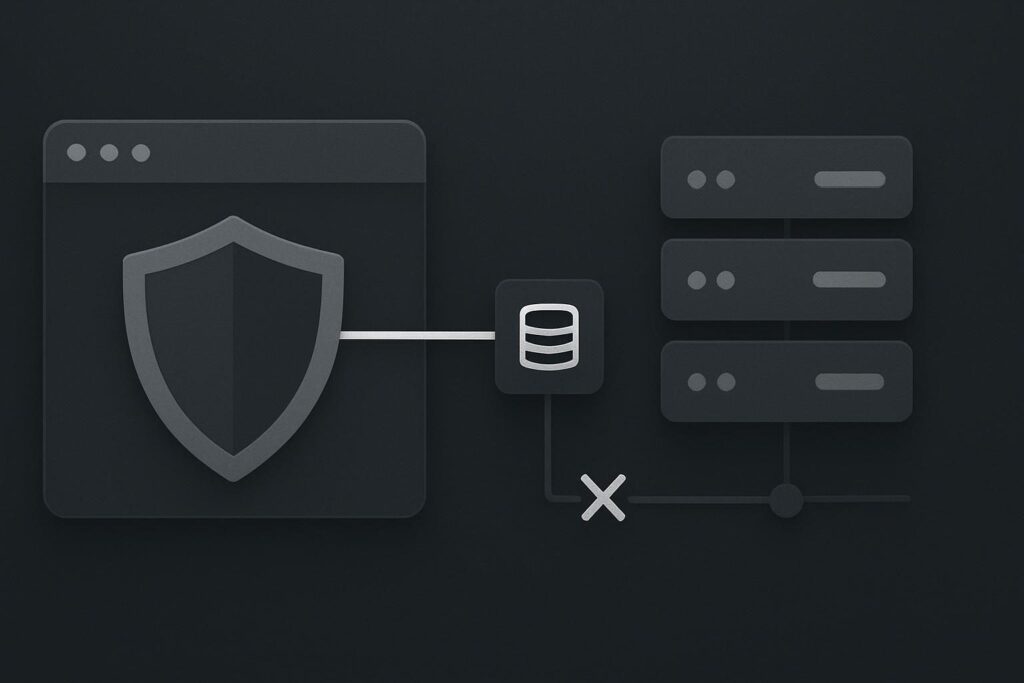
Both things can be true. A browser visiting the homepage and WordPress.com contacting a service route are different requests, with different origins, paths and rules applied along the way. For a business relying on Jetpack backups or connected services, that distinction matters more than a reassuring homepage check.
Start with the affected Jetpack feature
Do not begin by opening up every security control on the server. First, preserve the exact notice and identify what has failed: backup, scan, activity logging, social connection, site monitoring or another Jetpack-dependent feature.
That gives the investigation a route. A backup connection failure needs evidence from the backup connection, not a general statement that WordPress is healthy.
Jetpack’s backup troubleshooting guidance associates blocked WordPress.com requests with firewall interference and specifically asks administrators to check whether xmlrpc.php has been blocked. It is a useful clue, but not permission to open XML-RPC to the whole internet and hope for the best.
A successful loopback test proves something else
WordPress Site Health may test whether the site can make a request back to itself. That can help diagnose an internal loopback problem, but it does not prove that WordPress.com can make an inbound connection through the same layers.
The callers differ. The path may differ. A web application firewall, host security service, CDN rule or server configuration can treat an external service request very differently from WordPress talking to its own domain.
If Site Health is reporting a separate issue, use the WordPress Site Health loopback route check to keep that diagnosis in its own lane. A passing loopback result should not close a blocked Jetpack connection ticket.
WordPress.com requests blocked usually means a Jetpack-connected service cannot reach the WordPress route it requires, often because a firewall or security rule refuses the request. Confirm the feature and message, inspect the response for the relevant external route, check whether xmlrpc.php is being blocked, then ask the responsible provider to make and verify a narrow correction.
Trace the request that is actually being refused
The useful evidence is usually rather boring: the precise Jetpack warning, the domain involved, the route requested, the HTTP status or security event, and which provider is enforcing the block.
Ask the person with access to the host, CDN or firewall logs to inspect the relevant inbound request. A 403 response, challenge page, timeout or connection refusal each sends the repair in a different direction. If the response is a 403, it is worth separating the WordPress application from the layer refusing access using this guide to finding the layer behind a WordPress 403 response.
Do not rely on a screenshot of a green uptime monitor. That only says a public page answered a particular caller. It does not show whether the route required by the connected service was allowed through.
Illustrative scenario
A service business website in Dubai loads normally for visitors. Its host has enabled a security rule intended to reduce XML-RPC abuse. The rule blocks the request used by Jetpack Backup, while ordinary page requests continue as normal.
The business may believe backups are running because the website itself is available. Meanwhile, the backup service cannot complete its connection. The practical risk is not that the homepage disappears immediately. It is that a recovery option may be incomplete when someone later needs it.
Give the firewall owner a narrow job
Once the blocked route and response are known, the right correction is usually a scoped one. The host, firewall provider or whoever owns the security configuration should confirm their current requirements, identify the rule causing the refusal, and apply the smallest safe exception that allows the required service traffic.
Do not disable the firewall. Do not publish a guessed allowlist. Do not turn XML-RPC into a broadly open endpoint because a support thread from years ago said so. Provider requirements and security controls change, and copied IP ranges are a tidy way to create a new problem.
| Evidence collected | What it establishes | Next owner |
|---|---|---|
| Exact Jetpack feature and notice | Which connected service needs testing | Website administrator |
| Route and response status | Whether the request is refused, challenged or timing out | Host, CDN or firewall owner |
| Relevant security event | Which rule or layer acted on the request | Security provider |
| Successful service retest | Whether the correction solved the original fault | Website administrator |
Verify the service, not a nearby test
After a change, retest the affected Jetpack feature and check its own status. A homepage refresh, WordPress admin login or server-side curl test is not enough. The acceptance test is the service that failed being able to connect again.
Keep a note of the rule changed, who made it and what was verified. That small record is useful when a host migration, firewall update or plugin change quietly reintroduces the same restriction during business hours.
Where the evidence points beyond one blocked route, a broader website repair review for WordPress connection faults can help separate hosting, firewall, plugin and application-level causes without treating them as one vague security problem.
The evidence threshold for escalation
Escalate with the exact blocked-request notice, affected feature, route, time of test, response code or timeout detail, and any security event reference. That is enough for a competent host or firewall owner to investigate properly.
Without that, people tend to make broad changes to security settings because the homepage looks healthy and the warning feels mysterious. Test the external service’s route instead of using a different caller as proof.
Send the blocked-request notice and affected Jetpack feature for a connection review.