
GA4 duplicate form events on WordPress: find the extra
One received enquiry, two measured success events. That is not proof that two prospects filled in your WordPress form. It is a reconciliation problem, and it needs a trigger audit before somebody starts reporting a very cheerful but entirely fictional rise in leads.
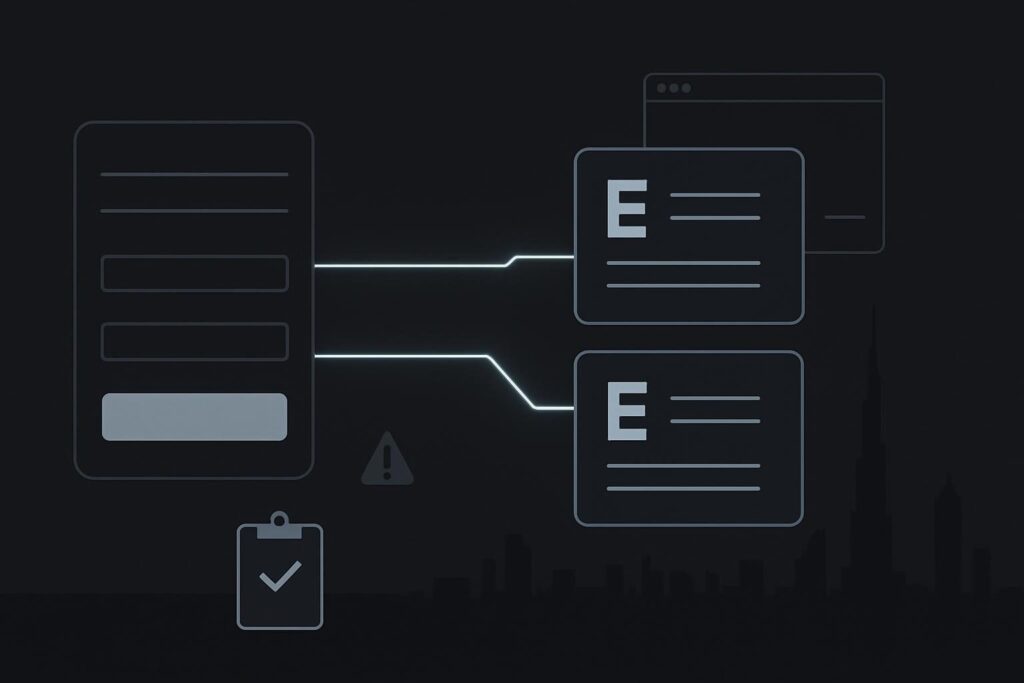
For a Dubai, UAE or UK service business, inflated enquiry reporting can distort decisions about ads, landing pages and agency spend. The inbox or CRM says one lead arrived. GA4 says two conversions happened. One of those systems is describing the journey badly.
GA4 duplicate form submission events on WordPress usually occur when more than one tracking route records the same successful form action. Common routes include a form plugin integration, Google Tag Manager, a hard-coded Google tag, enhanced measurement or custom JavaScript. Audit the installed tags, submit one controlled test enquiry, compare browser requests with GA4 DebugView, then retain one deliberate success event and test failed validation separately.
Start with the routes that can claim a form success
Do not begin by deleting tags. The extra event may be redundant, but it may also be the only route carrying a useful parameter into GA4 or a downstream reporting tool. First establish what is meant to happen.
Google itself warns that configuring the same Google tag two or more times on a page can produce duplicate data or mixed settings. Its guidance on duplicate Google tag configurations establishes the risk, but it does not prove which event is duplicated on your site. You still need evidence from the browser and GA4.
Build a short inventory covering the form page, thank-you page if there is one, and any scripts loaded across the site. Include:
- the WordPress form plugin and any built-in GA4 or Google Tag Manager integration
- Google Tag Manager tags, triggers and custom HTML tags
- Google tag code added through a theme, child theme, plugin or code-snippet tool
- enhanced measurement settings and custom event rules in GA4
- thank-you-page page views repurposed as conversions
- CRM, call-tracking or automation scripts that may send browser-side events
A very ordinary example: a WordPress form plugin fires generate_lead when its success message appears. A Google Tag Manager trigger is also listening for the same plugin success event and sends form_submit. One real enquiry can then appear as two successes, particularly if both events have been marked as key events.
Run one controlled submission and keep the evidence
Use a clearly identifiable test entry and submit it once. Record the time, page URL, form name and email address used. If the form emails an old shared inbox as well as creating a CRM record, check both. A success message in the browser does not establish that the business received anything.
Open browser developer tools before submitting and inspect the network activity. Filter for requests to Google collection endpoints or use Tag Assistant where appropriate. Then check GA4 DebugView for the same session. You are looking for event names, timing and parameters, rather than merely counting green ticks.
| Audit check | What to record | Why it matters |
|---|---|---|
| Browser event requests | Event name, timestamp, page path and parameters | Shows what the page actually sent |
| GA4 DebugView | Events received for the test session | Separates browser activity from report processing |
| Form delivery evidence | Email receipt, CRM record or form-entry record | Confirms whether an enquiry was received |
| Tag inventory | Plugin integration, GTM tags and installed snippets | Identifies competing measurement paths |
| Conversion configuration | Which event is marked as a key event | Stops two events being treated as two leads |
Match the evidence against one another. Two browser requests with different event names may be deliberate, but only one should normally represent the received enquiry in acquisition reporting. Two requests with the same event name and near-identical parameters are a stronger sign that the same Google tag or event route is firing twice.
Enhanced measurement and custom tags can overlap
Yes, enhanced measurement and a custom tag can both record a related interaction, but form tracking is not always as tidy as people assume. Enhanced measurement can detect a form interaction under certain conditions, while a custom tag or plugin integration may record a form-specific success. Treat those as separate measurement methods until the test proves otherwise.
Do not assume every form_submit event proves delivery either. A plugin may dispatch a browser event when client-side validation passes, when an AJAX request begins, or when a success state is displayed. The delivery route can still fail later because of SMTP settings, a rejected CRM API request or an old recipient address left behind after a site rebuild.
If the form behaviour itself is unclear, use a focused WordPress contact form delivery check before changing analytics. Tracking cannot repair an enquiry that never reached the business.
Choose one intended success event before removing anything
The practical rule is simple: one verified enquiry should have one intended measurement path. Decide which event will represent a received lead, document its trigger and parameters, and make that the event used for reporting.
You may still keep supporting events for analysis, such as form start, validation error or CTA click. Just do not count them as completed enquiries. Preserve the useful measurement intent before disabling a tag, trigger or plugin integration. A panicked clean-up can leave the account with fewer duplicates and no dependable lead event. Very efficient, in the wrong direction.
For wider issues across forms, calls, thank-you pages and paid traffic attribution, the GA4 conversion tracking audit for Dubai businesses provides the broader audit route. Where the tracking issue sits alongside unreliable forms, outdated plugins or recurring WordPress faults, broader website repair support in Dubai may be more sensible than treating each odd report as a separate incident.
Test a failed attempt and a genuine repeat enquiry
Run at least two more controlled tests after the successful submission. First, leave a required field empty or use an invalid email address. This should produce a validation event or error state, not the same success event used for a received enquiry.
Second, submit two legitimate test enquiries with different details. They should create two distinct form records and two intended success events. This check matters because deduplication methods designed for ecommerce transaction IDs do not automatically solve form events. Forms often have no equivalent stable transaction identifier, and forcing one into the setup can conceal rather than explain the trigger problem.
What a clean result looks like
A clean audit gives you a small, defensible chain of evidence: one controlled submission, one received form record or CRM lead, one intended GA4 success event, and any supporting interaction events clearly excluded from lead totals. That is enough to make acquisition reports less theatrical and more useful.