
n8n webhook 200: the project was never created
An onboarding form is submitted. The sender receives HTTP 200. Its delivery log goes green. The prospect is told their project is being set up.
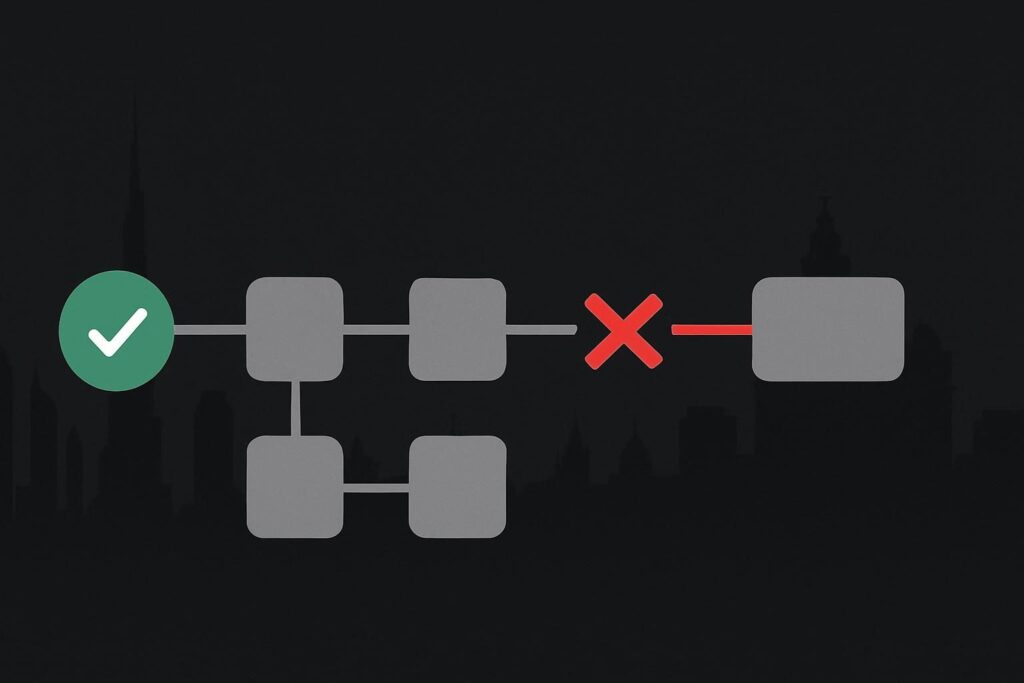
Then somebody in operations checks the CRM or project platform and finds nothing there. No project, no owner, no follow-up task. For a service business in Dubai, the UAE, Liverpool or the wider UK, that is not a minor technical wrinkle. It is a lead or customer handover that staff believed had happened.
The usual mistake is treating the sender’s successful response as proof that every later action completed. It may only prove that n8n accepted the request and started the workflow.
First, name the promise the integration made
Receipt and completion are separate promises; the integration needs to say which one it makes.
If a form provider sends a lead to n8n and receives an immediate success response, its log can accurately say delivery succeeded. That does not tell you whether n8n created the CRM contact, created the project, assigned an account manager or sent the internal notification.
A n8n webhook returning HTTP 200 can mean the request was acknowledged rather than the business task was completed. n8n documents different webhook response modes: Immediately acknowledges that the workflow started, while When Last Node Finishes responds with the last executed node’s output. The response mode therefore affects what the sender can reasonably treat as success. See the n8n Webhook node documentation for the documented behaviour.
The illustrative onboarding failure
Imagine a consultancy’s onboarding form sends a new signed client into n8n. The webhook is configured to respond immediately, so the form displays its success message as soon as n8n receives the payload.
The workflow then checks the client details, creates a CRM contact and calls the project platform to create an onboarding project. The project platform rejects the request because a required project template identifier is no longer valid. Perhaps somebody changed the template during business hours, removed an option, and did not tell the person who owns the automation. It happens.
The sender still has its green 200 response. The form submission exists. n8n may even show an execution that started normally. But the business outcome promised to staff, a usable onboarding project, never materialised.
Inspect the webhook response mode before changing anything
Open the Webhook node and establish how it responds. This is not a cue to switch every workflow to wait until the last node finishes. Some senders have short timeout limits, and some integrations need a quick acknowledgement so they do not submit the same event again.
It is a cue to be honest about the contract.
- Immediate acknowledgement suits a sender that only needs confirmation that n8n received the request and where completion is tracked elsewhere.
- Response after the final node can suit a short workflow where the sender genuinely needs an answer based on the completed work.
- A separate status model suits longer or more consequential work, where receipt is quick but the sender or internal team can check a reference against a later completion record.
For business automation that creates leads, projects, bookings or fulfilment records, the broader question is whether the process has a clear ownership and verification model. That is the sort of delivery issue covered by business automation support for operational handovers, rather than merely making a webhook endpoint answer faster.
Correlate four records, not one reassuring status
Take one missing result and trace it through the full chain. Start with a redacted payload and preserve the useful identifiers: submission ID, external event ID, email address, order reference or another stable reference that exists on both sides.
- Find the sender’s delivery record and note the response status, timestamp and payload reference.
- Find the matching n8n execution using that reference, not just the nearest timestamp.
- Check where the execution stopped, what node returned the error and whether any branch was skipped.
- Search the CRM, project platform or fulfilment system for the same reference, including any partially created record.
This catches a surprisingly common muddle: teams search for a project by name, find nothing, then replay the event. If a contact was actually created before the later project step failed, a blind replay can create duplicates. Reconciliation needs an agreed duplicate-control rule, not a finger crossed retry.
Make downstream completion visible
A workflow that matters to operations should create or update a record that represents completion. It might be a project ID written back to the CRM, an onboarding status of project created, or a durable event record keyed to the sender’s reference.
The point is not to add administrative confetti. It gives staff a place to verify the result without treating a form’s thank-you message as an audit trail.
Define the record in plain terms:
- What exact business object must exist for the job to count as complete?
- Which identifier links that object to the original webhook request?
- Who owns checking and resolving a failure?
- What should happen when the sender has been acknowledged but the downstream action fails?
That last question needs a real owner, not an execution log quietly gathering dust. If the workflow failure is recorded but nobody has responsibility to act on it, the alerting route is incomplete. There is a separate diagnostic issue when n8n workflow failure alerts have an owner rather than just a log entry.
Keep a failed task separate from a route that received no items
Do not assume every absent project comes from a failed API call. A filter, conditional branch or lookup can leave a later node with no input, meaning the project creation step never receives an item to process at all.
That is a different fault pattern from a node attempting the task and receiving an error. If the execution appears to stop without output, inspect the data path using this guide to find the n8n node where an execution has zero items. It saves a lot of time compared with blaming the project platform because it happens to be the final destination.
Choose an honest response contract
There is no universal rule that says a webhook must wait for completion. The useful rule is simpler: do not let a 200 response carry a meaning it does not have.
If the sender only needs receipt confirmation, respond quickly and build a completion record plus an owned failure route. If the sender must know whether a project was created before it continues, test whether waiting for the relevant completion point is technically suitable for that provider. If the work is long-running, use a reference and status process rather than stretching one HTTP request into a vague promise.
A green delivery log is useful evidence. It is just not the whole story.
Bring the sender response and a redacted failed execution for a completion-contract review.