
A PDF brochure is not a service page
Before opening the download, try answering three buying questions from the service page itself: who does this service help, what is included, and how does somebody enquire?
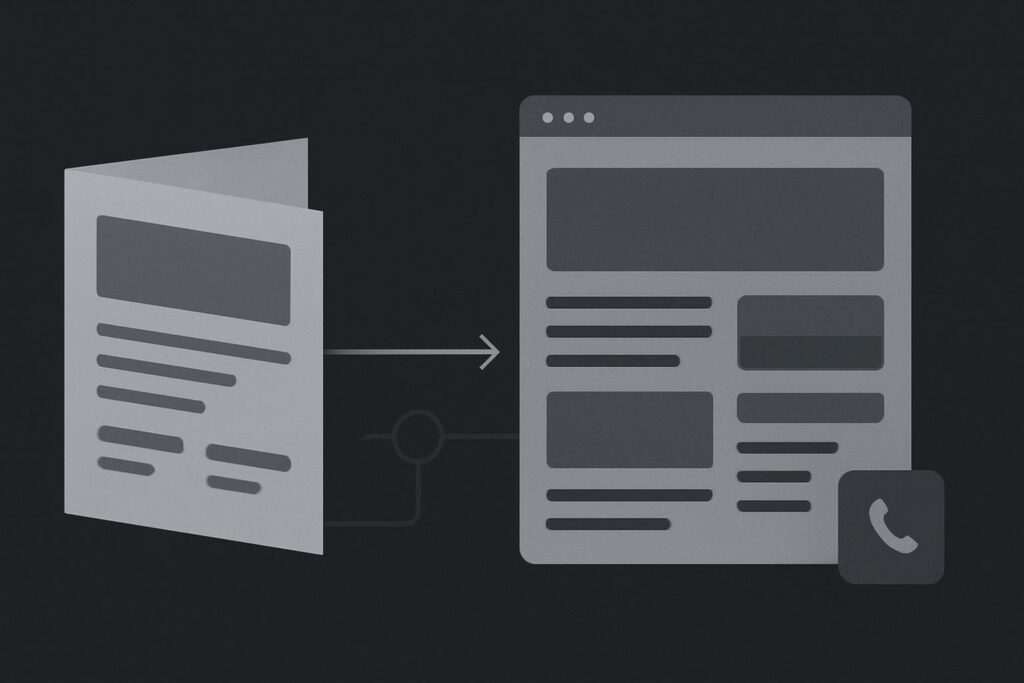
If the answer is a brochure button and a generic contact link, the page is making the visitor do the sorting. That may be manageable for someone already sold on you. It is less helpful for a referral checking your site between meetings, a marketing manager comparing suppliers on a phone, or a prospect in Dubai who is trying to establish basic fit before sending an enquiry.
A downloadable brochure can be useful, particularly where a service has detailed specifications, programme options, compliance material or a document that needs sharing internally. It should support the buying journey, though, with essential service information available on the page.
Decide what must be available before the download
For a service website, the page should carry the information needed to make a sensible first decision. The brochure can then provide depth, detail and something practical to save or forward.
For service website PDF brochure or HTML pages, use both where each has a clear job: publish the core offer, intended audience, scope, proof and enquiry route as maintained HTML page content; retain a PDF when it gives the buyer useful extra detail, a printable reference or a shareable document. HTML does not guarantee rankings, and PDFs are not automatically a search problem. The point is reducing the work required to assess whether your service is relevant.
Google lists both HTML and PDF among its indexable file types. That is a good reason not to bin a useful brochure simply because somebody has declared PDFs dead for search. It is also not a reason to hide the buying essentials inside one.
Separate the page job from the brochure job
| Information | Best place to make it clear | Why it matters |
|---|---|---|
| Who the service is for | Service page | Lets visitors judge fit quickly |
| Core scope and exclusions | Service page, with fuller detail in the PDF | Reduces vague or unsuitable enquiries |
| Process, specifications or programme detail | PDF brochure and page summary | Useful for buyers who need to circulate information |
| Relevant examples and proof | Service page | Builds confidence before asking for contact details |
| How to enquire | Service page and brochure | Stops the next action becoming a scavenger hunt |
The page is the working summary. It needs regular ownership because services change, staff move on, sectors shift and what counts as a decent enquiry changes with the business. A PDF often becomes the old cupboard under the stairs of marketing: still useful, but nobody is quite sure who last updated it.
Run one practical test on the page and the document
Take a real service page and inspect it as a visitor would. Do not start by redesigning the brochure or commissioning fifty new pages. First, find the missing decision-critical information.
- Read the service page without opening the brochure. Can you identify the audience, offer, likely outcomes and next action?
- Open the PDF on a phone using ordinary mobile data. Does it load, zoom sensibly and expose a working contact route?
- Check whether the PDF text can be selected and searched. A scan of flattened pages may be harder to use than the polished cover suggests.
- Follow every enquiry link in the document and on the page. An old mailto address, a dead WhatsApp number or a form success message that does not prove delivery can spoil the handover.
- Compare claims, service names and contact details across both formats. If they disagree, decide which version owns the truth before changing copy.
That last bit is dull, but it matters. A consultancy may have a tidy eight-page brochure, while its service page says almost nothing beyond a download button. The brochure might still list a retired director’s email address or describe an offer that has since been narrowed. Visitors are then left trying to reconcile two versions of the business. Nobody needs that admin before lunch.
Give machines and people the same basic answer
Maintained page content is easier to connect with navigation, related services, case studies and a focused enquiry route. It also gives modern search systems and AI tools a clearer source for the basic facts of the offer. That is the practical boundary covered in AI-ready service pages with an offer machines can find: make the offer explicit before worrying about clever markup or broad claims.
Proof belongs close to the service decision as well. A relevant project example, short operational explanation or properly framed outcome is usually more useful than a logo wall with no context. If your evidence currently lives in a separate document or nowhere at all, consider how AI-readable case studies with more than a logo wall can help make the relationship between the service and the work clearer.
Choose the lightest rebuild that fixes the route
You do not need to rebuild every brochure as a long web page. Start with a maintained summary page that covers:
- the type of client or situation the service is intended for
- the main scope, including any meaningful boundary
- the practical process or deliverables a buyer can expect
- one or two relevant trust signals or examples
- a specific enquiry route with a clear next action
- the brochure as an optional download for fuller detail
For many UK, Liverpool and UAE service businesses, that is enough to turn an empty landing page into a usable pre-enquiry route. It also means paid traffic, referrals and organic visitors are not all being asked to download a document simply to answer the basics.
Keep the brochure where it earns its place
Retain the PDF when it helps a buyer do something the page does not need to do alone. It may be a concise capability statement for procurement, a printable programme outline, a technical specification pack, or an offline document for a colleague who was not on the original call.
Just give it a proper role. Label what the visitor will get, keep the file accessible, and make sure the page does not collapse into a button with wishful thinking attached.
If the broader issue is inconsistent business information, thin service content and unclear machine-readable structure across the site, an AI readiness audit for service website content can help scope the work without treating every PDF as the enemy.
Make the enquiry route work on a phone
Finish with the route that pays the bills. On mobile, the contact action should be visible after the service summary and again after the brochure link. Test the form from submission to inbox, including the sender address, spam folder and any CRM handover. A confirmation screen only proves the browser received a response. It does not prove a human can see the lead.
If you want to reuse existing material without rebuilding the world, request a service-content audit with one page and its current brochure. It is a sensible place to start when the offer is there, but the website is making people work too hard to find it.