
Rotate WooCommerce API keys without losing the sync
A maintenance handover can require two things at once: remove a previous supplier’s access and keep the authorised stock or order sync running. For a WooCommerce store in Dubai, the UAE or the UK, those jobs need treating as one controlled change. Revoking a key first and asking questions afterwards is a decent way to discover which operational process quietly depended on it.
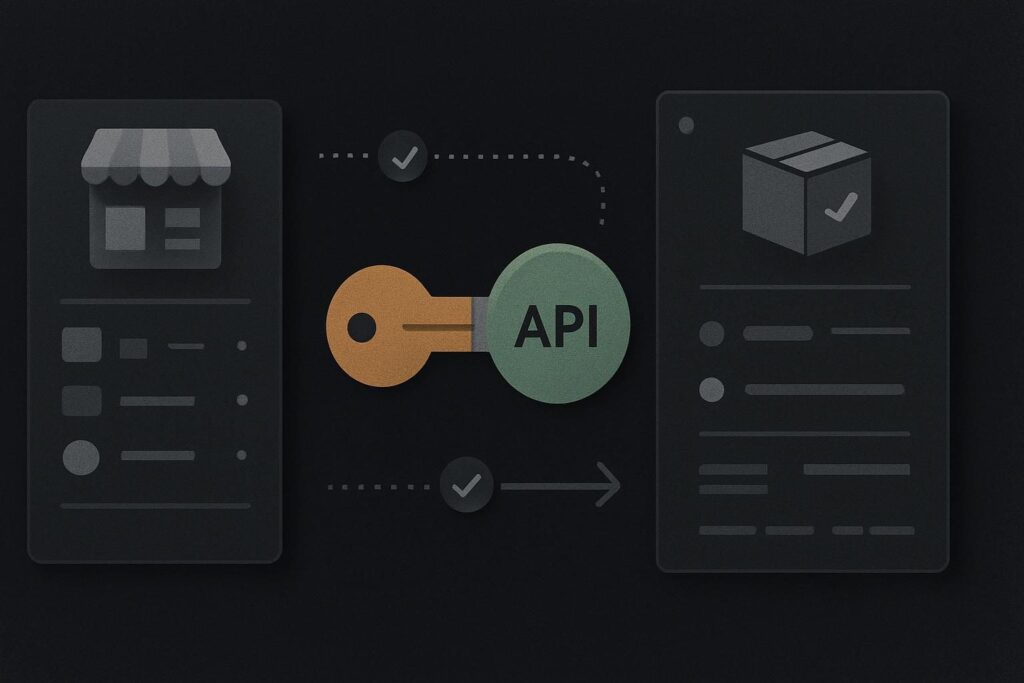
Changing a WordPress password does not retire every external API credential. A WooCommerce API key can continue to work until it is specifically revoked, which is rather the point of it.
Map the consumers before touching the old key
Start with the key itself, then work out every service that may use it. This is narrower than a full connected-services review. If nobody can confidently say what is consuming the credential, use a connected services maintenance takeover review to identify the integration boundary before planning the cutover.
Look for stock platforms, warehouse or fulfilment tools, accounting connectors, reporting feeds, order-routing automation and custom middleware. Do not rely solely on a former supplier’s handover note. Check the integration settings in each platform, recent sync history, error emails and scheduled task records where available.
A boring but useful detail: the alert inbox may still belong to a departed staff member or old agency mailbox. A sync can have been failing quietly for days while the WooCommerce shop continues taking orders. Add alert destinations and recovery contacts to the same review.
| Check | What to record | Why it matters |
|---|---|---|
| Consumer | Name of the platform, automation or custom service | Stops a forgotten stock or order process being cut off |
| Business action | Stock update, order export, fulfilment update or reporting feed | Shows what needs reconciling if work is missed |
| Permission scope | Read, write or read/write access required | Avoids issuing more access than the job needs |
| Credential owner | Authorised WordPress user and business contact | Prevents key ownership staying with an old supplier |
| Verification method | Safe sync test, log review and record comparison | Provides evidence before revocation |
Put ownership and access scope in the right hands
WooCommerce documents API keys with a description, associated user and permission level, and it provides a way to revoke keys. That makes credential handover an explicit administrative task rather than an assumption based on who knows the WordPress login. See the WooCommerce REST API documentation for the current API key controls.
Create the replacement key for an authorised user who remains accountable to the business. The user should not be an old supplier account that happens to remain active because it was convenient at the time.
Record the purpose in the key description plainly enough that someone can understand it six months later. For example, stock sync to warehouse platform is better than integration key. Decide the minimum permission level the consumer genuinely needs. A reporting feed that only reads orders does not need write access just because that was quicker to configure.
Credential ownership is one part of a wider handover. A website handover checklist for access and ownership is useful when the job also includes hosting, domains, backups, licences and admin accounts.
Prepare the replacement before the maintenance window
Create the new key and store it through the approved password manager or access process. Do not paste it into a shared handover document, ticket comment or WhatsApp group. Once the value has been displayed, treat it as a credential that needs handling properly.
Arrange a controlled window with the people who own the connected system. This need not mean taking the store offline. It means agreeing who updates the receiving platform, who watches the sync and what data range will be checked afterwards.
Direct answer: For a WooCommerce API key rotation integration handover, list every consumer of the old key, create a scoped replacement owned by an authorised user, update and verify each consumer in a controlled window, reconcile any orders or stock changes missed during the switch, then revoke the old key. Do not revoke first and use interrupted synchronisation as your discovery method.
Change one consumer at a time
Where the same old key is used by several integrations, avoid changing everything in one hopeful batch. Update one consumer, run its safe verification route, confirm its result, then move to the next.
Illustrative scenario: a retailer changes WordPress maintenance providers while stock synchronisation still uses a key created under the previous supplier’s user account. The new provider prepares a replacement key for a current authorised user, updates the stock platform, triggers or waits for an agreed safe sync, then compares a defined sample of stock records between WooCommerce and the stock system. Only after that check does the old key become a candidate for revocation.
The exact safe test depends on the integration. It may be a controlled stock adjustment in a non-critical product, a read-only order retrieval, or a monitored import cycle. Avoid using a live customer order as your casual proof that it all works. That is not a test plan, it is gambling with fulfilment.
Keep a short cutover record
- Record the old key description and associated user without copying the secret value.
- Note each consumer updated and the person responsible for it.
- Capture the verification time and the records checked.
- Write down the reconciliation range, such as orders placed during the change window.
- Confirm the old key’s revocation time and the remaining owner of the new credential.
Reconcile the work that may have crossed the gap
A successful connection test does not prove that every stock update or order event made it through the handover window. Check the period between the last known successful sync on the old key and the confirmed operation of the replacement.
Compare the records that matter to the business process. That could mean orders awaiting export, inventory changes on selected products, fulfilment status updates or refund events. If the connected platform can replay missed work safely, agree the route before running it. If it cannot, identify the records needing controlled manual correction and retain the audit trail.
Retire a credential against a verified consumer list and a tested replacement. The old key is not the project. The stock, orders and operational confidence around it are.
Revoke, document and leave a usable handover
Once every identified consumer has been moved and the reconciliation check is complete, revoke the previous key. Then update the handover record so the next person does not have to reconstruct the arrangement from old inboxes and plugin settings.
For broader support around scheduled updates, backups, connected services and practical WordPress housekeeping, see WordPress website maintenance support in Dubai. The important bit is keeping operational access owned by the business while giving the right people the access they genuinely need.
Include a verified credential cutover and reconciliation plan in your maintenance handover. It is a sensible addition when old supplier access needs to end without leaving stock or order processes to chance.