
WooCommerce payment failing in Dubai? Trace the gateway
Client question: The customer gets all the way through checkout, enters their card details, then sees payment failed. Is WooCommerce checkout broken?
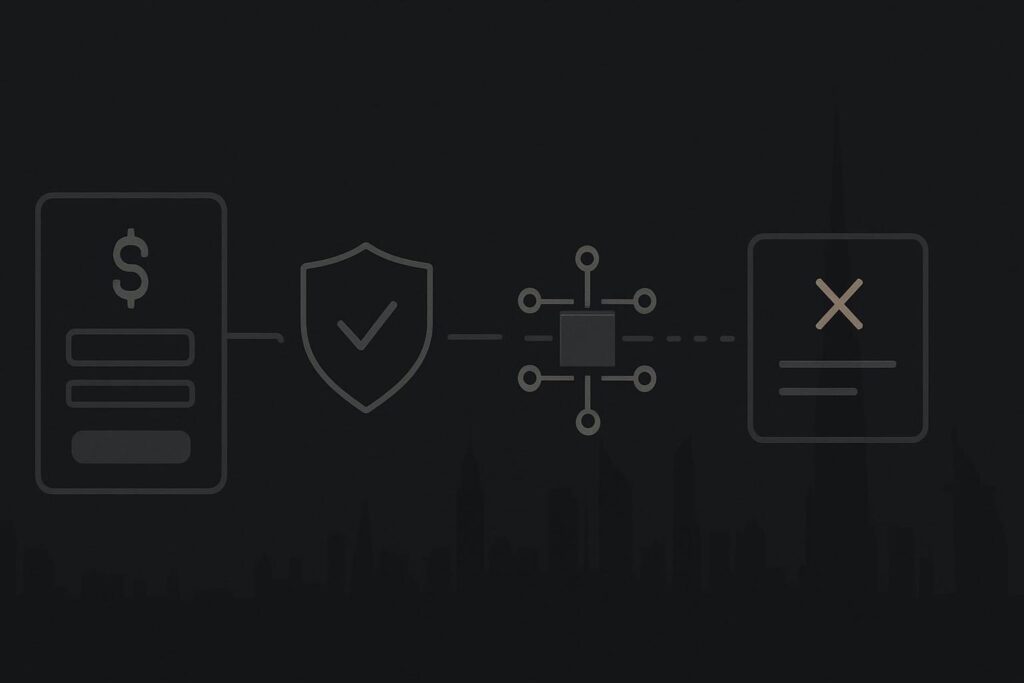
Possibly, but it is not the first conclusion to jump to. A card payment can fail after the checkout page has done its part. The issue may sit in the gateway response, the 3D Secure hand-off, a currency setting, a server request, a webhook callback, or the point where WooCommerce should update the order.
For a Dubai store, the useful first move is to follow one failed payment attempt from browser to gateway and back to the WooCommerce order. Rebuilding checkout because of a vague error message is a decent way to create fresh faults while losing the evidence from the original one.
Checkout is only the front door
A WooCommerce checkout page collects customer details, validates fields and sends a payment request. Depending on the gateway, the customer may then be redirected, shown an embedded card form, or sent through a 3D Secure verification step with their bank.
After that, several things still need to happen correctly. The gateway must return a result, its callback or webhook must reach the site, WooCommerce must recognise the event, and the order needs to move into the appropriate status.
WooCommerce payments can fail even when checkout loads normally because the visible page is only one part of the transaction. The fault may be a declined card, an incomplete 3D Secure step, a rejected currency or amount, failed server communication, incorrect gateway credentials, a blocked callback, or an integration that receives a gateway event but does not update the WooCommerce order.
Follow one payment attempt, in order
Do not start by disabling payment plugins, swapping themes or installing another checkout tool. Pick one failed attempt that can be identified by time, order number, customer email or gateway transaction reference. Then trace the route.
| Stage | What to inspect | What it may tell you |
|---|---|---|
| Checkout submission | Browser network response and JavaScript console | Whether the payment request left the browser and whether a script, validation or server response failed first. |
| WooCommerce order | Order notes, status and gateway reference | Whether WooCommerce created an order and what it recorded before the transaction stopped. |
| Gateway event | Gateway dashboard transaction or payment intent status | Whether the provider received the attempt, declined it, authorised it or marked it as awaiting further action. |
| 3D Secure | Verification status and return route | Whether the bank verification completed, was abandoned or failed to return to the store correctly. |
| Callback or webhook | Gateway delivery record and server access or error logs | Whether the gateway tried to notify the website and whether the site accepted the notification. |
| Final order update | WooCommerce logs and order status transition | Whether WooCommerce processed the valid gateway event or failed during its own update process. |
The aim is not to catch a provider out. It is to establish where the information stops travelling. Payment systems are separate services joined together by requests, redirects and callbacks. They are not one black box with a button labelled checkout.
A common Dubai store failure pattern
Say a customer places a card order from Dubai. They see a payment failure message after approving the 3D Secure prompt. In the gateway dashboard, there is a transaction event showing the payment reached the provider. Yet the WooCommerce order remains pending payment, or moves to failed without the expected order note.
That narrows the investigation. The checkout template may be perfectly ordinary. The more relevant question is whether the gateway callback reached the correct URL, whether a firewall or security rule rejected it, whether the gateway integration logged a processing error, or whether server-side PHP failed while handling the returned event.
A boring but important detail is that callback requests do not behave like a member of staff browsing the site. A host-level firewall, security plugin rule, changed domain setting or old webhook endpoint can interfere without making the homepage look remotely troubled.
Evidence worth capturing before anyone changes the stack
- The approximate time of the failed attempt, plus the customer-facing order number if one exists.
- A screenshot of the visible error, without collecting or sharing card details.
- The browser network response for the failed payment request, including its HTTP status where available.
- The relevant WooCommerce gateway log entry and order notes.
- The gateway transaction, payment intent or event reference and its recorded status.
- Webhook or callback delivery results, including response status and destination.
- Relevant server error logs around the same time, especially PHP errors, timeouts or blocked requests.
- Whether the failure occurs on one payment method, device type, currency or customer journey only.
Do not test with real cards repeatedly just to see whether it improves. If the store has an approved test route and the gateway supports suitable test credentials, use that carefully. Otherwise preserve one real failed attempt and work from the transaction evidence.
What not to change yet
There are occasions where a rollback is justified, particularly if a known release caused an immediate and reproducible failure. But changing multiple checkout components before reviewing the logs makes a short repair much less tidy.
Avoid changing the active theme, clearing every setting, replacing the gateway extension, updating the entire plugin list or editing webhook URLs on a hunch. Each change can alter the behaviour and leave you with no clean record of the failure that prompted the work.
If the problem is live and sales are being affected, it is usually a Dubai website repair issue rather than routine WooCommerce maintenance. The immediate task is to diagnose the broken money path safely, then decide whether an update, configuration change, gateway discussion or server fix is actually required.
Minimum sensible action
Start with one transaction, one timeline and one set of matching identifiers. Confirm what the customer saw, what WooCommerce recorded, what the gateway recorded, and whether the callback made it back to the site.
Once those four points are clear, the next action tends to become far less mysterious. It may still need hands-on technical work, but at least you are repairing the relevant connection rather than redecorating checkout and hoping for the best.
Questions store owners usually ask
Why does WooCommerce show payment failed when the gateway shows a transaction?
WooCommerce and the payment gateway can have different views of the same attempt. The gateway may have received, authorised or rejected the payment, while WooCommerce may not have received the callback, may have rejected it, or may have encountered an error while updating the order. Compare the transaction reference, event status, callback delivery and WooCommerce logs before deciding which layer needs attention.
What logs should be checked first?
Begin with the failed order notes and the relevant WooCommerce payment gateway log. Then check the gateway dashboard for the matching transaction or payment event. If those records suggest the payment returned to the website, inspect webhook delivery records and server error logs for that same time window. Matching the timestamps matters more than reading every log line on the server.
Message Standish Services on WhatsApp to discuss the failed payment trace and capture one failed payment attempt properly before changing the checkout stack.