
WordPress website repair is support arriving late
Website support and website repair are not the same job. Mixing them up is how a manageable WordPress issue turns into a little business fire drill. In Dubai, where enquiries can move quickly and referrals check your site before calling, waiting until something breaks is usually the expensive version of ownership.
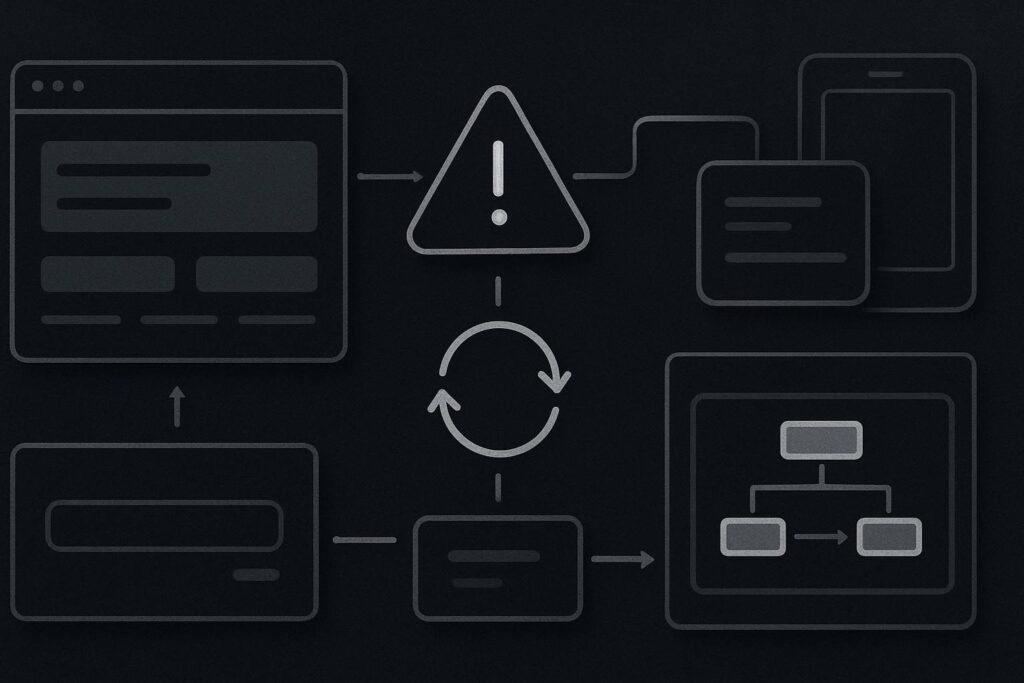
WordPress website repair is fault diagnosis and fixing after something has already gone wrong. Website support is ongoing help with small changes, questions and ownership. Website maintenance is routine checking, updates, backups and testing. The right choice depends on whether your website is currently stable, neglected, slow, broken, or actively losing enquiries.
The false assumption: support and repair are interchangeable
They are not. Support keeps the wheels on. Repair is what you need when a wheel has already come off.
Support usually means someone is available to help with controlled changes, small fixes, content edits, plugin questions, form checks and sensible advice before anyone starts clicking around in panic. Maintenance is the routine work that lowers the odds of nasty surprises. Repair is investigation after the damage is visible.
The plugin might be guilty. It might also just be standing closest to the scene of the crime.
Decision guide: support, maintenance or repair?
Use the state of the website, not the mood in the WhatsApp group, to decide what you need.
| Situation | Likely service | What it usually involves |
|---|---|---|
| The site works, but nobody owns small fixes or questions | Website support | Minor edits, advice, controlled changes, plugin questions, form checks and practical ownership |
| The site works, but updates, backups and checks are being ignored | Website maintenance | Scheduled updates, backups, security awareness, testing key pages and checking enquiry routes |
| The site is broken, forms have stopped, pages are missing or layouts have collapsed | Website repair | Diagnosis, restore points, plugin conflict checks, hosting review, PHP issues, caching checks and fixes |
| The site is unstable after random changes | Repair first, then support | Stop guessing, find what changed, stabilise the site, then put calmer ownership in place |
When website support is the right answer
Choose support when the website is working but needs adult supervision. That might mean updating a service page, fixing a mobile spacing issue, checking why a WhatsApp button goes to an old number, or asking whether a plugin is worth keeping before another one gets installed for the sake of it.
Support is useful when there is no internal website person, or when the marketing team can spot the issue but should not be expected to diagnose WordPress conflicts at 4.45pm on a Thursday.
The commercial benefit is simple enough: fewer loose ends. Not perfection. Not magic. Just fewer small website jobs drifting until they become a proper nuisance.
When maintenance is the sensible prevention route
Maintenance is the boring routine. Backups. Updates. Basic testing. Checking forms. Looking at the obvious things before they become less obvious and more annoying.
For Dubai businesses running WordPress, a maintenance setup should cover routine plugin and theme updates, backup checks, core page testing, contact form delivery tests and basic security awareness. It should also avoid reckless updates during busy enquiry windows unless there is a good reason.
If your site is currently working and you want the calmer prevention route, start with WordPress website maintenance in Dubai. That is the more sensible conversation when the issue is neglect rather than an active fault.
When WordPress website repair is unavoidable
Repair is for live problems. The site is down. A layout has collapsed. The contact form says thank you but nothing arrives. A booking tool has stopped loading. A plugin update has made the homepage look like it lost an argument.
Repair should start with evidence, not button pressing. Check recent changes, error logs, backups, caching, plugin updates, PHP version changes, SMTP settings and whether enquiries are sitting in a spam folder or an old inbox nobody checks anymore.
A form success message does not prove delivery. It proves the visitor saw a polite message. Different thing.
If the problem is already visible and affecting enquiries, you are probably in WordPress website repair in Dubai territory. The aim is to stabilise the site first, then decide whether support or maintenance should follow.
A very normal Dubai scenario
A service business in Dubai has a WordPress site. It looks acceptable. Nobody has checked plugin updates properly for months. The contact form has not been tested since the last campaign. The site feels slower, but everyone is busy, so it gets ignored.
Then enquiries go quiet.
Someone tests the form and gets a success message. So the ads get blamed. Then the agency gets blamed. Then the hosting gets blamed. That is usually where the fun starts.
The actual issue might be less dramatic: SMTP authentication failed after an email change, the form notification is going to a former employee, a caching plugin is serving an old version of the form, or a security plugin is blocking submissions after an update. None of that needs a new website on day one. It needs diagnosis.
Once repaired, the lesson is fairly plain. The business did not need panic. It needed ownership earlier.
How to choose without buying the wrong thing
Choose support if:
- Your website is working but small fixes keep getting delayed.
- You need someone to sanity-check WordPress changes before they go live.
- Your team needs practical help with pages, forms, plugins or content updates.
Choose maintenance if:
- Your site is stable but updates, backups and form tests are inconsistent.
- You want routine checks rather than emergency diagnosis.
- You rely on the website for enquiries and do not want avoidable neglect.
Choose repair if:
- Something is already broken or customers are being affected.
- You do not know what changed before the issue appeared.
- Forms, layouts, pages, checkout, booking tools or admin access are failing.
My recommendation is blunt: if the site is currently stable, do not wait for drama. Put maintenance and support in place. If it is already broken, stop changing things until you know what changed first.
FAQs
What is the difference between website support and website repair?
Website support is ongoing help with ownership, small fixes, questions and controlled website changes. Website repair is fault diagnosis after something has already gone wrong. Support is calmer because there is usually more context. Repair often starts with less information, more urgency and a higher chance that several things have already been changed.
Does WordPress maintenance stop a website from breaking?
No maintenance plan can honestly guarantee that a WordPress website will never break, be attacked or suffer a plugin conflict. Good maintenance reduces avoidable risk by keeping updates, backups, testing and basic checks under control. It also means there is usually a cleaner trail when something does go wrong.
When should a Dubai business book urgent website repair?
Book urgent repair when the issue is live and affecting visitors, enquiries, bookings, sales or credibility. Examples include a broken contact form, missing pages, a down website, failed admin access, broken mobile layout or errors after an update. Do not keep installing plugins or changing settings while guessing.
Can website support include contact form testing?
Yes, it often should. Contact form testing is one of the least glamorous checks and one of the most useful. A proper check includes submitting the form, confirming delivery to the right inbox, checking spam, reviewing SMTP settings where relevant and making sure the thank you message is not covering up a delivery failure.
Should I repair my website or rebuild it?
Repair first if the problem is specific and the site still supports the business reasonably well. Rebuild only when the structure, content, design, performance or trust signals are too weak to justify patching. Before rebuilding your website, it is worth diagnosing whether the fault is technical, operational or strategic.
The calm next step
If you are unsure which bucket your site sits in, do not start with a full rebuild or a panic list of plugins. Start with the current state of the website.
Send your website link and find out whether you need support, maintenance or repair. Standish Services can take a practical look and point you towards the sensible next step, without pretending every problem needs the biggest possible fix.