
WooCommerce guest checkout asks for login: policy first
There are two perfectly legitimate ways to run a WooCommerce shop. One lets a new customer buy without an account. The other requires an account before payment. Trouble starts when the business expects the first option but the checkout behaves like the second.
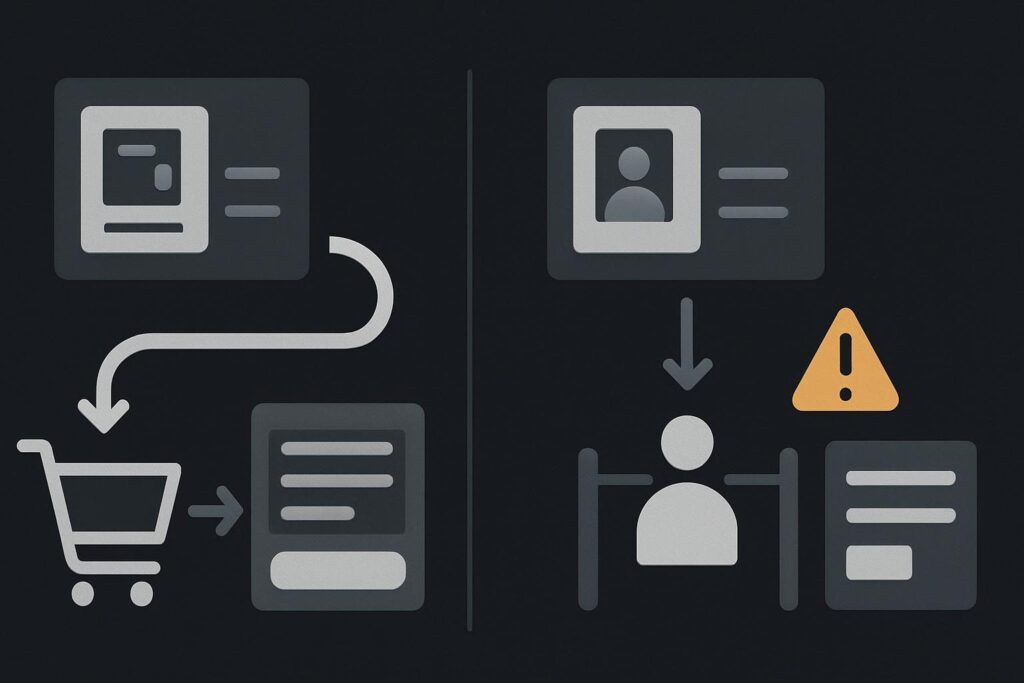
For a small retailer in Dubai, Liverpool or anywhere else, an unexpected registration step can feel needlessly heavy for a one-off purchase. It is also easy to misdiagnose. A login prompt does not automatically mean WooCommerce is broken. It may reflect the current account policy, a product rule, or a change in the checkout implementation.
Put the intended buying policy on the table
Set the purchasing policy before changing the login screen. If the shop sells repeat-order products, memberships, protected content or trade-only goods, an account-required route may be deliberate. If it sells straightforward one-off items, guest purchase may be the intended route, with account creation offered rather than imposed.
| Purchase approach | What the customer sees | What to confirm |
|---|---|---|
| Guest purchase | Checkout fields and payment without compulsory sign-in | Guests can place orders and account creation is optional if offered |
| Account-required purchase | Login or registration before the order can continue | The restriction suits the product, fulfilment process and customer expectation |
| Mixed policy | Most products permit guests, while specific items require an account | The product-level or extension rule is clear and explained before checkout |
There is no universal answer on which option converts better. A business needs a route that matches how it sells, then needs the website to follow that route consistently. For wider faults affecting an order journey, WooCommerce website repair support can help separate a policy mismatch from a genuine implementation issue.
Guest checkout, login and account creation are separate controls
WooCommerce does not treat these as one switch. Its account and privacy settings distinguish guest purchasing, showing a login prompt at checkout, and allowing account creation during checkout. The WooCommerce account and privacy settings documentation sets out these separate controls.
Direct answer: WooCommerce can allow guests to check out while still offering optional account creation. A customer should be able to complete payment without signing in when guest purchasing is enabled and no product, extension or custom checkout rule requires an account. A visible login link is not necessarily a problem. A compulsory login gate is the part that needs comparing against the intended purchase policy.
This distinction catches people out because the settings can look broadly sensible when viewed in isolation. An enabled login form may simply give returning customers a quicker route. It becomes a commercial problem when a genuinely new customer cannot get past it without registering.
Check the settings, then check what overrides them
Start in WooCommerce account settings and write down the desired outcome in plain English. For example: new customers can buy a physical item without an account, and may choose to create one after entering their details. That is clearer than relying on somebody’s memory of how the shop worked last year.
Then inspect the areas that may override the general setting:
- Products that are virtual, downloadable, subscription-based or otherwise tied to ongoing access.
- Membership, wholesale, bookings, deposits or subscriptions extensions that may require registration.
- Custom checkout fields, snippets or page-builder templates that alter the standard flow.
- Payment or fulfilment integrations with their own account expectations.
- Cached checkout templates or optimisation settings that are serving an old version of the route.
A common example is a small retailer that wants casual one-off sales but only tests checkout while logged in as an administrator. That test proves very little about the public experience. Admin sessions can hide the exact barrier a first-time buyer meets.
Run one clean new-customer journey
Use a private browser window or a separate browser profile. Do not rely on logging out in the same browser if you can avoid it. Old WooCommerce session cookies, saved addresses and a remembered account state can muddy the result.
- Open the active public product page as a new visitor.
- Add an ordinary product that should permit guest purchase.
- Proceed through basket and checkout without using any saved account details.
- Note whether login is offered, encouraged or required.
- Try to place the order using a valid test payment method or the shop’s safe testing process.
- Check whether optional account creation appears at the expected point.
One boring but useful detail: test the live checkout URL, not a preview link from a staging copy. It is surprisingly common for a staging checkout to have different caching, payment settings or extension licences from the active shop.
If the checkout changed after maintenance, a plugin update or a template edit, preserve the evidence before trying random fixes. Compare the current settings, recent changes and the actual customer route. Where a checkout has broadly failed following an update, use the more focused route for repairing a WooCommerce checkout broken after an update rather than treating every login prompt as the same fault.
Keep the login prompt in its proper lane
A login link at checkout can be useful for returning buyers. An account creation tick box can be useful for customers who want order history. Neither should quietly become a mandatory registration process if the business has chosen guest purchase.
Likewise, do not remove every account feature merely because a customer complained once. If customers need access to downloads, recurring orders, appointments or wholesale pricing, the buying policy may need explanation rather than removal. Put the rule near the relevant product or early in the purchase route, rather than springing it on someone after they have entered an address and reached payment.
Make the policy test part of checkout maintenance
The practical recommendation is simple: document whether guests can buy, whether account creation is optional, and which products are exceptions. Retest that route after WooCommerce, theme, checkout-template, payment or account-extension changes. A quick order-placement check is useful, but it needs to reflect the customer type the shop actually wants.
For a fuller operational view of that route, see the WooCommerce checkout maintenance checks for placing an order. It is adjacent work, but it matters when a login policy is only one symptom in a checkout that has become awkward or unreliable.
Ask for a new-customer checkout review against the account policy you actually want.