
WooCommerce checkout maintenance means placing an order
A WooCommerce shop can look perfectly normal after an update. The homepage loads, products have prices, the basket accepts an item, and nobody sees a glaring error. Meanwhile, no controlled order has been completed since the work was done.
That leaves quite a lot to chance. A guest customer may hit an invalid shipping rule, a payment gateway callback may fail, an order email may land in an old inbox, or stock may not reduce after payment. Traffic and product views can continue as normal while completed orders quietly drop away.
For ecommerce businesses in Dubai, the UAE, the UK or anywhere else, checkout maintenance should be treated as a transaction test rather than a visual inspection. It is a narrow piece of ongoing website maintenance for business websites, but it covers the part that turns browsing into money.
What checkout maintenance actually checks
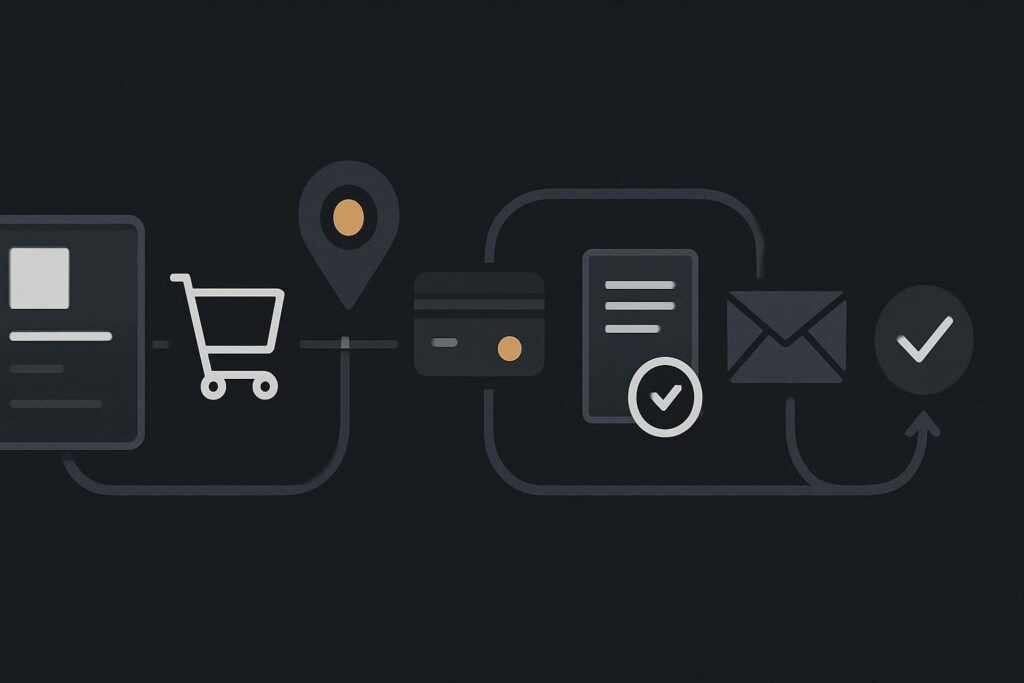
Checkout maintenance is a repeatable test of the full purchase route: selecting a product, applying relevant cart rules, entering customer details, calculating shipping and tax, taking payment, creating the order, adjusting stock, sending notifications and displaying a clear confirmation. The purpose is to confirm that connected services still agree with one another after updates, configuration changes or routine maintenance.
Adding an item to the basket proves very little on its own. The basket is only one stop. WooCommerce, payment providers, shipping extensions, tax settings, SMTP delivery and stock management each have their own rules, and any one of them can cause trouble without taking the whole website offline.
Use one controlled order route from start to finish
Set up a test that is realistic enough to exercise the live rules, but controlled enough that it does not confuse staff, reporting or fulfilment. A dedicated low-value test product is often useful. Give it a clear internal SKU, keep it out of normal merchandising where appropriate, and agree what happens to the order afterwards.
Use a real customer email address that someone monitors. A checkout success message only confirms that the browser was shown a success state. It does not prove that the payment settled, the order reached WooCommerce, or the customer receipt was delivered.
| Checkout stage | What to test | What confirms it worked |
|---|---|---|
| Product selection | Choose an in-stock product with the correct variation, price and tax class. | The right item, price and availability appear before checkout. |
| Cart rules | Apply a relevant coupon, minimum spend rule or free-shipping threshold where used. | The discount or restriction behaves as configured. |
| Customer state | Place the order as a guest if guest checkout is available. | Checkout does not depend on an existing account or saved session. |
| Shipping and tax | Use an address that triggers a live shipping zone and expected tax treatment. | The available methods and totals make sense for that route. |
| Payment | Use the intended gateway route and complete the payment safely. | The gateway and WooCommerce show matching payment status. |
| Order and stock | Open the order in WooCommerce and inspect the product stock level. | The order is created once and stock changes as expected. |
| Emails and confirmation | Check the customer receipt, internal new-order email and thank-you page. | Customer and business both receive usable confirmation. |
The checklist to run after relevant changes
- Start in a clean browser session. Use private browsing or clear the session so a logged-in admin account, cached basket or saved address does not hide a customer-facing problem.
- Select a product that exercises a real rule. Do not always use the simplest item. If variable products, delivery zones, tax classes or coupon conditions matter to the shop, rotate them into the test route.
- Test guest checkout where it exists. Store owners often test while logged in as an administrator. Customers are not administrators, and the checkout can behave differently for them.
- Enter a live shipping address. Use an address that should produce a known shipping method. Check whether local delivery, collection, flat rate or free shipping appears when it should.
- Complete payment using the appropriate route. A sandbox test is useful when a gateway supports it, but it does not always prove the live payment connection. Where policy and payment fees allow, a small genuine order can confirm the real route. Handle refunds and bookkeeping properly afterwards.
- Check for one order, not two. Duplicate orders can appear when a payment response is delayed, a customer refreshes, or gateway and WooCommerce statuses are not handled cleanly.
- Confirm stock and fulfilment state. Check that stock reduced correctly, the right fulfilment status was applied and any warehouse, courier or accounting handoff received the expected information.
- Read both sides of the email trail. Check the customer receipt and the internal notification. It is common to find an SMTP setting still sending to an old mailbox after a staff change.
- Record the result. Note the date, tester, product, payment method, shipping route and outcome. A short maintenance log makes later diagnosis less reliant on somebody’s memory.
A normal-looking store can still be losing sales
Consider the owner who checks the homepage after a plugin update, adds a product to the basket, then gets back to running the business. The site looks fine. But no guest order is placed using the live shipping and payment rules.
A payment gateway update may then require a new callback setting, or a delivery extension may stop returning rates for one postcode group. Neither fault necessarily produces a big public error page. The buyer may simply abandon the purchase when the expected payment option or delivery choice disappears.
This is why ecommerce maintenance is not complete until a controlled order reaches the customer and the business correctly. If the checkout is already failing, use a focused WooCommerce checkout repair process after an update rather than repeatedly updating plugins and hoping one of them blinks first.
Choose a test frequency and give it an owner
Run a full controlled order after changes that could affect checkout: WooCommerce updates, payment gateway updates, shipping or tax changes, theme work, caching changes, PHP changes and email configuration work. For an active store, a scheduled test is also sensible even when nobody believes anything has changed.
The frequency depends on order volume, payment methods, fulfilment complexity and how often the store is changed. A shop taking regular orders should generally test more often than one with occasional sales. The important bit is assigning a named owner and a repeatable route, rather than leaving checkout testing as a vague job for whoever happens to be near WordPress that week.
For a reusable route covering product choice through internal receipt, use this WooCommerce test order checklist as part of the maintenance routine.
Questions store owners ask about checkout tests
How often should WooCommerce checkout be tested?
Test after any change affecting WooCommerce, payment, shipping, tax, email or hosting behaviour. In addition, set a routine interval based on the shop’s order volume and complexity. A regular test is more useful when it follows the same documented route and records what was checked.
Should a real payment be used for the test?
Where a gateway offers a proper sandbox, use it for safe configuration checks. A controlled live order may still be appropriate when you need to confirm the real payment and callback route, provided the business has agreed the method, refund process and accounting treatment first.
Which emails and stock changes should be confirmed?
Confirm the customer order receipt, the internal new-order notification and any fulfilment messages relied on by staff. Also check the WooCommerce order status, stock reduction, back-order behaviour where relevant, and any connection to warehouse, courier or accounting systems.
Test the complete sale regularly, not only the homepage. If the route is unclear or nobody owns the check, Standish Services can help put a practical maintenance routine around the parts of the shop that actually take orders.