
WooCommerce payment link cannot be paid by admin
A shop manager opens a WooCommerce payment link for a manual order, sees a message saying the order cannot be paid, and immediately starts looking at the payment gateway. Fair enough. It looks like a payment problem.
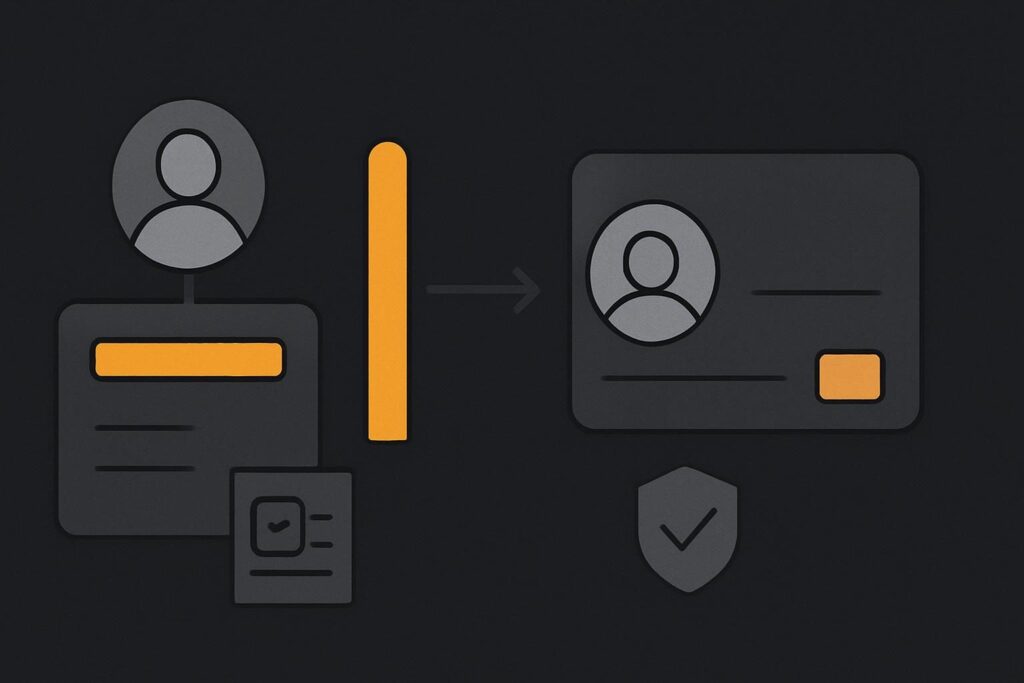
But if that order is assigned to a registered customer, the administrator may simply be the wrong person to test it. The link can be working as intended for the customer while being unavailable in the admin’s current logged-in session. Before changing gateway settings, test the link as the person entitled to pay for that order.
Decide whether this is an access check or a payment failure
A WooCommerce order payment link can fail before the payment gateway is even involved. First establish whether WooCommerce is allowing the visitor to reach the payment step. Only then is it worth investigating Stripe, PayPal, a bank gateway, caching or an integration update.
WooCommerce states that a customer-linked manual order can only be paid by its assigned registered customer, who must log in. An administrator who opens the same link can receive the cannot-be-paid message. The relevant behaviour is set out in WooCommerce’s guidance on viewing, editing and adding orders.
This is a useful distinction for service businesses in Dubai, the UAE, the UK or Liverpool that create orders after agreeing a quote. An invoice link is not automatically a universal payment URL for every member of staff who wants to inspect it.
Read the order before touching the gateway
Open the order in WooCommerce and check three things: its current status, the customer assigned to it, and whether the payment route is actually available for that order.
- Order status: an order generally needs to be payable, rather than already paid, cancelled, failed beyond recovery, or otherwise closed off.
- Customer assignment: check whether the order is linked to a registered WordPress user or has been created as a guest order.
- Payment route: confirm the order-pay route opens as expected for the appropriate identity before diagnosing a gateway fault.
There is a dull but important operational detail here. Check the browser session, not merely the account shown in WooCommerce. A manager might be logged into wp-admin in one browser profile, while an old customer session or saved login cookie is active in another tab. That can muddy a perfectly straightforward test.
Use the right test for the order type
When the order belongs to a registered customer
Use a controlled test account that is assigned to the order, then open the payment link in that account’s session. Do not change the order customer to the administrator merely to make the link open. That alters the condition you are trying to verify and can leave staff with the wrong conclusion.
For example, a shop manager creates a manual order for a consultant’s client, assigns it to the client’s registered account, then clicks the payment URL while logged in as the site administrator. The refusal is consistent with an ownership check. The useful next test is to log in as the assigned customer in a separate browser profile or private session and check whether the order reaches its intended payment method.
When the order is a guest order
Guest orders need a different test. WooCommerce may ask for the billing email address associated with the order before allowing access. That is not necessarily a sign that guest checkout is broken. It is part of confirming that the person opening the link has the details connected to that order.
Use an appropriate guest test order and the matching test billing email. Avoid forwarding a live customer payment link around the office for several people to try. Apart from being a poor handling habit, it produces noisy evidence because each person may arrive with a different logged-in state.
Keep draft-order diagnosis in its own lane
If the link was created from an order that was still a draft, the question may be earlier in the workflow: why was an invoice or payment request generated at that point? That is separate from whether an assigned customer is allowed to pay it. For that boundary, use this guide to tracing an invoice created for a WooCommerce draft order.
Do not collapse both issues into a gateway ticket. One concerns how the order entered the payment route; the other concerns who is allowed through it.
Only investigate the gateway after access is proven
Once the assigned customer, or the correct guest identity, can reach the payment screen, you have a more credible gateway investigation. At that stage, record the order status, payment method offered, exact error, time of test and whether the issue occurs on a suitably matched test order. Do not run a real payment merely to prove a route opens.
Actual signs of a payment-route fault include the correct customer reaching checkout but seeing no available payment method, a gateway error after submitting payment details, or a return route that does not update the order as expected. Those cases need a narrower WooCommerce payment gateway troubleshooting review, rather than a scramble through unrelated plugins.
If manual orders, customer accounts and payment gateways have all been adjusted over time, it may be part of a wider WordPress issue rather than one bad link. A scoped website repair review for WooCommerce problems can establish where the failure actually begins.
A short decision route for staff
- Confirm the order is in a state that should still allow payment.
- Check whether it is assigned to a registered customer or set up as a guest order.
- Record which browser profile and logged-in identity is being used.
- Test a customer-linked order as its assigned customer.
- Test a guest order using the billing email associated with that order.
- Only then inspect the available payment method and gateway behaviour.
The practical recommendation is simple: keep access entitlement and payment processing as two separate checks. It saves staff from sending a customer an unsuitable order link, and saves the gateway from being blamed for a refusal that happened before it had a chance to do anything.
Why might a guest payment link ask for billing-email verification?
Guest orders are not connected to a customer login in the same way as registered-user orders. Billing-email verification can help WooCommerce confirm that the visitor has information associated with the order before exposing its payment route. Use the exact billing email recorded on the order for a controlled test, rather than assuming any staff email should be accepted.
If a genuine customer still cannot access or pay an order after the correct identity and order state have been confirmed, ask for a manual-order payment-route review using a redacted order and test identity.