
Test orders on staging can still email customers
Before anyone places a WooCommerce test order, stop and list every destination that could receive something: customer inboxes, staff notifications, payment gateways, fulfilment systems, stock tools, CRM records, booking platforms and shipping services. A staging hostname is merely an address. It is not a force field.
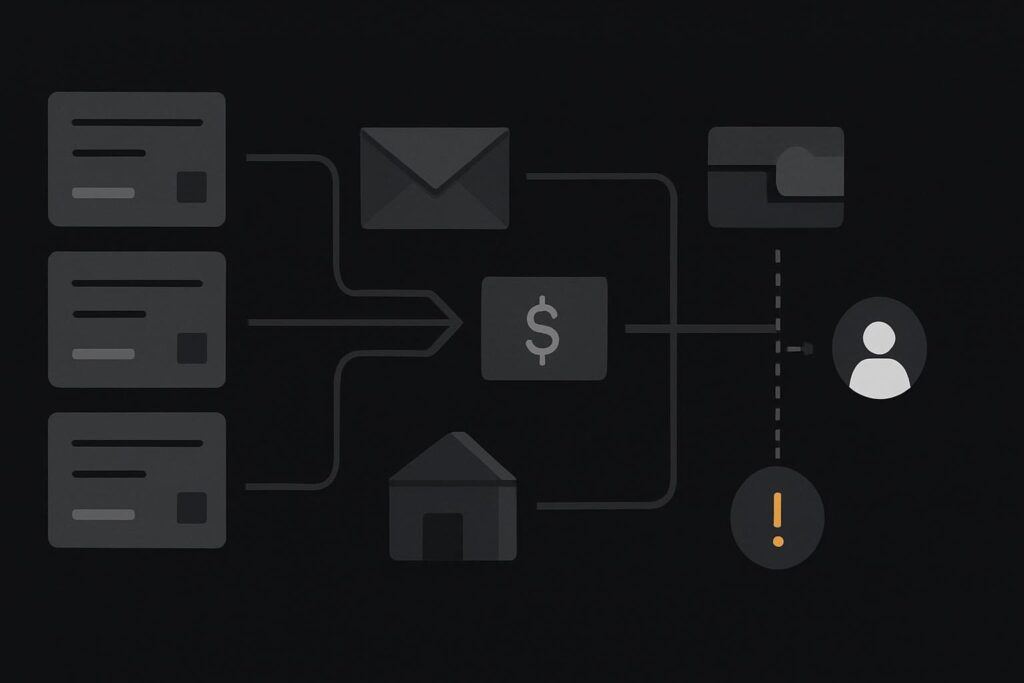
For store owners in Dubai, the UAE, the UK or Liverpool, the risk is fairly mundane but awkward. Someone receives an order confirmation they did not expect, a warehouse team sees a new job, or a live customer record gets updated with test data. Then somebody has to explain why a supposedly safe update has created a bit of noise.
Start with outbound containment, not the checkout button
WooCommerce test orders can trigger emails and may be indistinguishable from real orders to extensions or connected services. WooCommerce advises reviewing each integration’s behaviour and disabling relevant integrations where needed. Its guidance on testing orders makes the important point: putting a gateway into sandbox mode handles payment testing, not every action that follows an order.
A staging store can use a test card successfully while still sending an order notification through the production SMTP connection. It can also pass order data to a fulfilment plugin, CRM webhook or courier extension holding live credentials. The payment was pretend. The downstream activity may not be.
That is why the approval point should come before the first order: approve outbound containment before testing checkout behaviour.
Map the actions an order can trigger
Do not begin by asking which plugins are installed. Begin with what happens when an order changes state. A WooCommerce order may be created, paid, moved to processing, completed, refunded or failed. Each stage can wake up a different service.
| Outbound route | What to check on staging | Containment decision |
|---|---|---|
| Customer and admin emails | WooCommerce email settings, SMTP provider, recipient overrides | Use controlled inboxes or disable the route where appropriate |
| Payment gateway | Sandbox mode, test credentials, webhook endpoint | Use documented test mode and confirm callbacks remain in staging |
| Fulfilment and shipping | Order export, API connection, automatic job creation | Disconnect, replace credentials or disable order submission |
| CRM and marketing tools | Webhooks, customer sync, automation triggers | Send to a test account or pause the integration |
| Stock and accounting systems | Inventory deduction, invoice creation, order sync | Prevent live writes and document the test behaviour |
This work sits comfortably within broader website maintenance support for connected services. Store updates are rarely just about the visible checkout. The awkward bits tend to be the accounts, inboxes and API connections nobody included in the original handover.
Replace live destinations where you can
Containment is not always a case of switching every plugin off. Some integrations need testing. The sensible choice depends on whether a service offers a documented sandbox, a staging-specific workspace, a test API key or a safe recipient override.
For example, a copied store may have a test payment method enabled but retain its normal order email settings. Rather than send test emails to a real customer or a general sales inbox, set controlled recipients that the test team can access. Check the sender address too. An old SMTP configuration is a classic source of surprises, particularly where staging inherits production settings quietly.
Use synthetic customer details that cannot be mistaken for ordinary orders. A clearly labelled test name, a dedicated test mailbox and an agreed test telephone number make cleanup easier. Do not use a real customer’s email address because it happens to be handy in browser autofill. That is asking for bother.
Confirm gateway testing separately
Gateway sandbox mode matters, but it has a narrow job. Confirm which credentials are active, which test payment methods the gateway supports and whether webhooks are being delivered to the staging environment. Some gateway dashboards distinguish test and live events clearly; others need more careful checking.
Record the test order number, payment reference where available, order status and expected webhook result. If the test does not behave as expected, resist the urge to toggle random checkout settings. First establish whether the gateway, webhook endpoint or a post-payment extension owns the missing action.
For the wider environment setup, including copies, access and basic safeguards, use this WordPress staging site setup checklist before you start changing store-specific connections.
Run one contained order through each planned path
Once destinations are approved, test deliberately rather than firing through a handful of vague orders. One synthetic order might test a successful card payment and processing email. Another may test a failed payment. If your store uses coupons, shipping methods, tax logic or subscription renewals, each has its own possible side effects and should be scoped before it is tried.
- Create a synthetic customer using the agreed controlled email address.
- Place the order with the documented test gateway method.
- Check the order notes, status changes and payment callback.
- Inspect the controlled customer and staff inboxes, including spam folders.
- Check whether fulfilment, CRM, accounting or stock systems received anything.
- Record the result and remove test data according to the agreed cleanup process.
A WooCommerce email appearing in the order screen only proves that WooCommerce attempted its part of the job. It does not prove the intended inbox received it, nor does it tell you whether another extension sent a separate message. Check the actual controlled recipient.
Inspect outputs before calling the update safe
Release checks should cover more than a green payment result. Compare the actions you expected with the actions that actually occurred. If a fulfilment service received an order despite being meant to be disconnected, that is a release blocker, even if the checkout itself looks fine.
Keep a short record for the handover: integrations reviewed, live credentials replaced or removed, test recipients used, test orders placed, outputs checked and any routes intentionally not tested. A practical WooCommerce maintenance test order checklist gives the team something concrete to sign off instead of relying on someone remembering what was changed three weeks later.
Make containment part of every store update
Testing a WooCommerce update is sensible. Testing it against live outbound services by accident is less clever. The right approach is not to disable everything blindly, but to identify every route an order can take, decide which routes need a safe test version and verify the documented behaviour of each connected service.
If your staging copy has inherited years of plugins, SMTP settings and third-party connections, ask for a staging containment review before your next store update. It is a useful check before a checkout change turns into customer confusion or an unnecessary fulfilment job.