
n8n workflow failure alerts need an owner, not a log
A useful n8n failure alert contains five things: the workflow name, execution reference, affected record, named owner and next action. Without those fields, a notification is often just a louder version of the execution history.
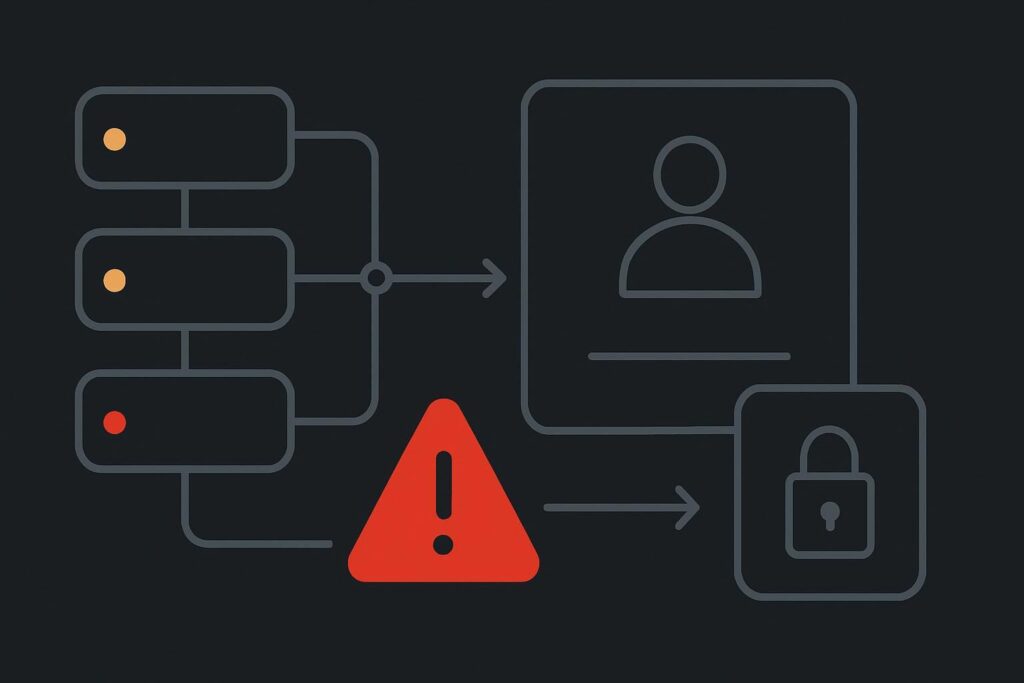
That matters for service businesses in Dubai, the UAE and the UK using automation for enquiries, quotations, CRM updates or internal tasks. Nobody wants to watch dashboards all day. They do need to know when an enquiry has landed but the follow-up work has quietly failed.
Saving failed executions is sensible. Assuming somebody will notice them is less sensible. A quotation workflow can accept an enquiry, fail while creating the CRM record, and sit there for days until someone happens to open n8n. By then, the prospect may have already found a supplier who answered the phone.
Decide what deserves an alert before building the alert
Not every red node needs a company-wide alarm. A temporary failure on a non-essential enrichment step is different from an enquiry not reaching the sales queue. Start with the business action that would be missed if the workflow stopped at that point.
| Alert field | What it should identify | Why it matters |
|---|---|---|
| Workflow | The live workflow and its purpose | Stops the recipient guessing which automation has gone wrong |
| Execution reference | The execution ID or direct execution route | Gives the person investigating a traceable starting point |
| Affected record | Enquiry ID, CRM contact, order reference or email address where appropriate | Names the customer work at risk |
| Severity | For example, missed lead, delayed task or non-essential update | Helps people respond in the right order |
| Owner | A named role or person responsible for recovery | Avoids the familiar assumption that somebody else has it |
| Next action | A bounded recovery instruction | Prevents an anxious replay of external writes |
An alert is useful when it names the work at risk and the person who owns recovery. Technical detail can sit below that, but it should not be the whole message.
Set up the n8n error route
n8n documents an error-handling pattern where an error workflow begins with Error Trigger, then is assigned in the main workflow settings. Its documentation also covers Stop And Error when you want a chosen condition to fail deliberately rather than drift past it. The relevant setup is covered in the n8n guidance on handling errors gracefully.
Build the error workflow as a small incident handler, not a second copy of the main process. Pull in the available execution information, format an alert for the right channel, and include a link or reference that lets the owner inspect the run. Keep the alert readable on a phone. An on-call message buried under a full JSON payload is technically complete and operationally useless.
There is one awkward detail worth allowing for. Errors that happen at the trigger stage can provide less execution detail than a failure later in the workflow. Your alert design should cope with missing fields rather than falling over because it cannot find the customer record it hoped to include.
A completed execution can still miss the business requirement
Technical success and business success are different tests. A workflow may complete because every node received a valid response, while the record created was incomplete, assigned to the wrong queue, or excluded by a rule that should have raised attention.
Use an explicit condition for business-critical checks. For example, if a quotation enquiry must have a contact email and be assigned to a sales owner before the workflow is considered complete, test those conditions. Where the situation genuinely requires escalation, use Stop And Error so the chosen condition is visible as a failure rather than quietly treated as a finished job.
n8n workflow failure alerts should identify failed executions, the affected business record, severity, recovery owner and a limited next action. They should also distinguish a technical failure from a workflow that completed but did not meet a required business condition. This gives the responsible person enough context to recover missed work without monitoring execution history continuously.
Write recovery steps that do not create a second incident
Recovery instructions should be bounded. Say what the owner may check, what they may correct manually, and when they need technical support. Do not make the default instruction replay the whole workflow, especially where it writes to a CRM, accounting platform, email system or other external service.
For the failed quotation example, a sensible alert might say: check whether contact email address is valid, confirm whether a CRM record exists, create the missing record if it does not, assign it to sales, then add a note against the execution reference. That is dull, which is exactly what you want when someone is dealing with it between meetings.
If a recovery route could repeat external actions, needs reconciliation, or involves customer-facing messages, document the decision point rather than leaving it to guesswork. The same caution applies to retries covered in this guide to safe n8n retries after duplicate invoice executions.
Test one controlled failure after activation
- Choose a non-production record or clearly labelled test enquiry.
- Make one downstream action fail in a controlled way, such as using a test branch that cannot create the intended CRM record.
- Confirm the main workflow registers the failure and the error workflow receives the expected context.
- Check that the named owner receives an alert through the actual channel, including any shared inbox, Teams channel or Slack route.
- Follow the recovery instruction without replaying external writes blindly.
- Record what information was missing, unclear or too technical, then tighten the alert.
Do not assume every manually tested failure will behave identically, particularly where errors are caught or handled within the workflow. Test the specific failure route you intend to rely on.
Give the workflow an operating boundary
Failure alerts work better when the workflow has an agreed purpose, owner, dependencies and handover route before it goes live. The small business automation service scope before switch on guide is useful background when you are deciding who owns those boundaries and what support is needed after launch.
For workflows that now handle important enquiries, customer records or operational hand-offs, it may be time to review the wider business automation support available from Standish Services. The aim is not a dashboard watched like a hawk. It is a system where the right person gets a useful prompt when work needs recovering.